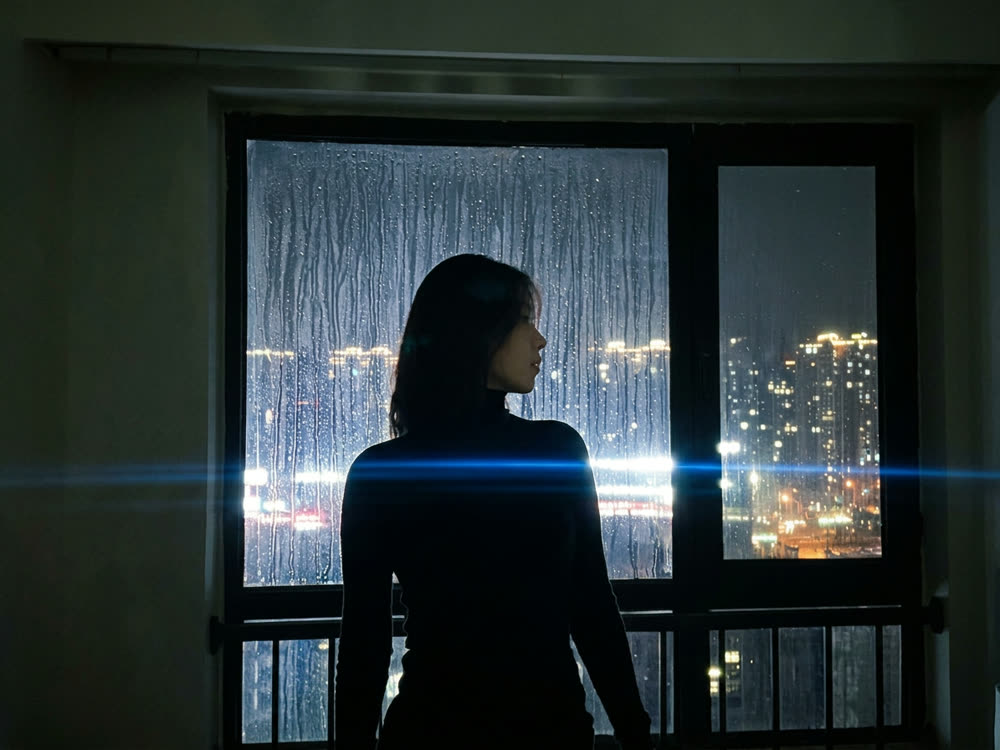

If you are looking for a Leonardo AI alternative, start with what bothers you. If it is picking a model, knowing what a run costs, or what happens to your balance when you stop paying, Kinoseed may fit: all 13 image models and 17 video models are on every plan, the exact credit price is on the Generate button, and credits you already hold stay when you cancel. A Nano Banana 2.1 image is 8 credits. If you want a daily free allowance, Leonardo's Blueprints or its Leo Agent, Leonardo may still be the better pick.
Kinoseed is an independent product and is not affiliated with Leonardo.ai. Leonardo facts below are as of 7 Nov 2026, read signed out on leonardo.ai/pricing, its model and video pages, app.leonardo.ai and recent US App Store reviews. They can change; check leonardo.ai for current terms.
Leonardo.ai vs Kinoseed at a glance
| Leonardo.ai (as of 7 Nov 2026) | Kinoseed | |
|---|---|---|
| Free start | 150 tokens a day, "Auto" model only, all work public | None; the $10 Basic plan (500 credits a month) is the cheapest way in, no watermark |
| Choosing a model | On paid plans; free accounts get "Auto" | Every model on every plan, picked by you |
| Price per run | /pricing does not say what a token buys | The exact credit price is on the Generate button before you run |
| Paid plans | Essential $12 (8,500 tokens), Premium $30 (25,000), Ultimate $60 (60,000); the page opens on yearly billing | Basic is $10 a month for 500 credits, Starter $20 for 1,200, Creator $100 for 7,000, Studio $200 for 15,000 |
| Unlimited slow mode | Premium: relaxed older image models; Ultimate: relaxed Hailuo, Wan and MiniMax video at 480p | No. Every run costs credits |
| Balance after you cancel | Several App Store reviews say leftover tokens are removed when you stop paying | Credits you already hold stay |
| Failed runs | Some reviews say tokens spent on off-prompt or flagged results were not refunded | Refunded automatically |
| Agent and recipes | Leo Agent and one-click Blueprints, such as "Product spin video" | One prompt box at Create plus 50+ single-job tools in Apps |
Leonardo figures are as of 7 Nov 2026, from leonardo.ai/pricing, app.leonardo.ai and the last 100 US App Store reviews of its app (42 of them 1 or 2 stars). Review claims are what users report, not Leonardo's stated terms. Kinoseed figures are read from its model list, billing and pricing code.
What you need
- One prompt you have run on Leonardo, so you can compare like for like.
- A clear portrait, if you want to test a consistent character.
- A Kinoseed account and some credits. Generating starts with a plan; the $10 Basic plan (500 credits a month) covers 62 Nano Banana 2.1 images or 4 5 second Kling 3.0 clips.
Step by step
- 1
Rerun a prompt on the model you pick
In the image studio, paste the prompt and choose the model yourself: Nano Banana 2.1 (8 credits, 9 with a reference photo), Nano Banana Pro (30) or GPT Image 2.5 (25).
- 2
Keep one face across new shots
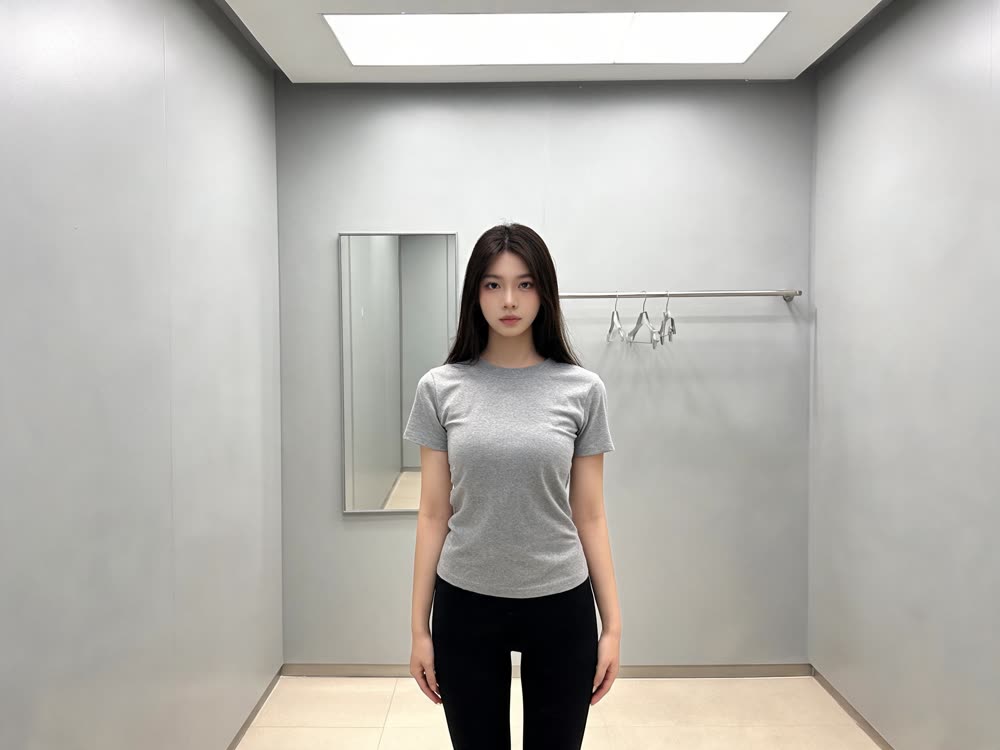
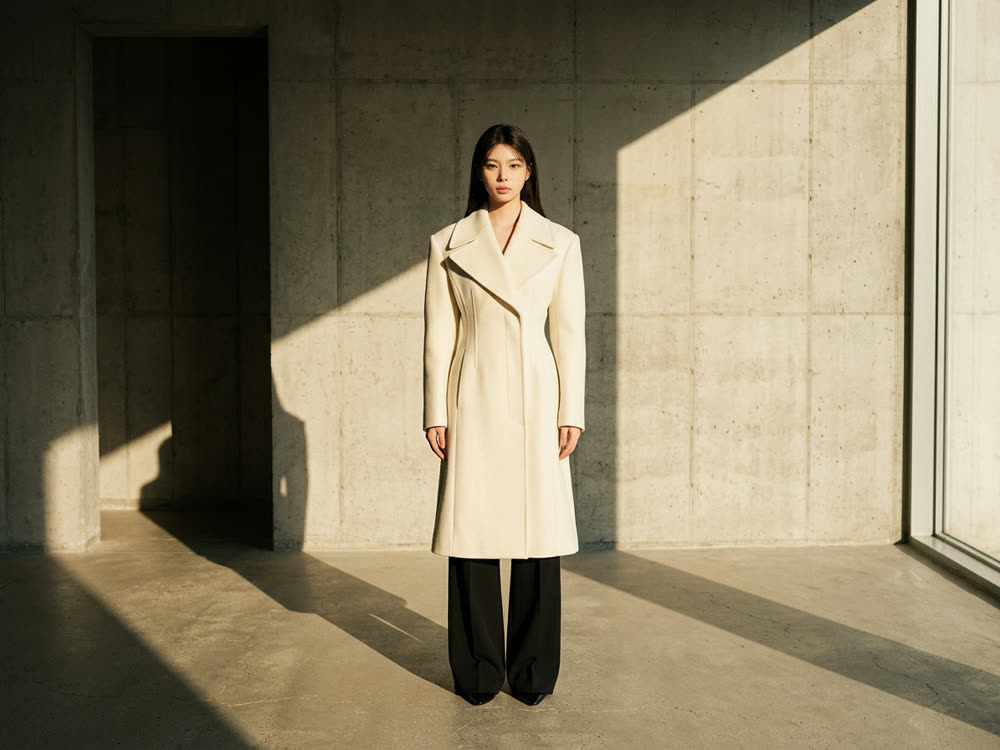
Open Your Look, upload the Identity reference, choose a Scene preset and add Extra direction such as wardrobe or mood. Press Generate Portrait; the price is on the button.
- 3
Turn the still into video
Send the image to Image to Video. A 6 second MiniMax Hailuo 2.3 clip is 90 credits, a 5 second Kling 3.0 clip without sound is 110, and an 8 second Veo 3.1 Lite clip at 720p is 45.
Your Look
New portraits that keep your own look
Open in appSign in to generate. The price of a run is on the button.
What Leonardo does well
Leonardo's model pages sell a job and show it: the Nano Banana 2.1 page is titled "Consistent Characters" and shows real inputs beside their outputs. Its app has Leo Agent for on-brand campaigns, one-click Blueprints and a Remix grid you can browse before signing in. There is a daily free allowance, and the higher plans add unlimited relaxed generations on some models. If those are how you work, Leonardo is the better pick.
What Kinoseed offers instead
No model is held back by plan. The image studio runs 13 image models, including Nano Banana 2.1, Nano Banana Pro and GPT Image 2.5, and the video studio runs Kling 3.0, Veo 3.1, Seedance 2.0, MiniMax Hailuo 2.3 and more, all on one credit balance. Each run shows its exact price first, so you know what a credit buys.
Plans add a new allowance every month, credits you already hold stay when you cancel, failed runs are refunded automatically, and results carry no watermark. See pricing.
Which to pick, by job
A free daily allowance, Blueprints, Leo Agent or relaxed unlimited runs: Leonardo. Choosing the exact model, a visible price on every run, and keeping the credits you paid for: Kinoseed. Not sure which image model to use? Read Nano Banana Pro vs GPT Image 2.
More examples


Tips for better results
- Compare cost per finished image, not per token or credit. The button price on each run is what to compare.
- Draft on Nano Banana 2.1, then render the keeper on Nano Banana Pro or GPT Image 2.5.
- If you leave a subscription elsewhere, use up the balance you have paid for first.
- For a full walkthrough of keeping one face, read how to create a consistent AI character.
Frequently asked questions
Is Kinoseed affiliated with Leonardo.ai?
No. Kinoseed is an independent product.
Do I keep my Kinoseed credits if I cancel?
Yes. Cancelling stops the next monthly allowance; credits you already hold stay on your account. Cancel anytime from the account page.
Can I choose the model on the cheapest plan?
Yes. Every plan includes every image and video model and every tool. Generating starts with a plan; the $10 Basic plan (500 credits a month) is the cheapest way in.
Does Kinoseed have a free daily allowance like Leonardo?
No. Generating starts with a plan, and each run's price is shown before you press Generate.
Try it on your own photo.
Your Look is open to explore. The price of a run is on the button before you spend anything.