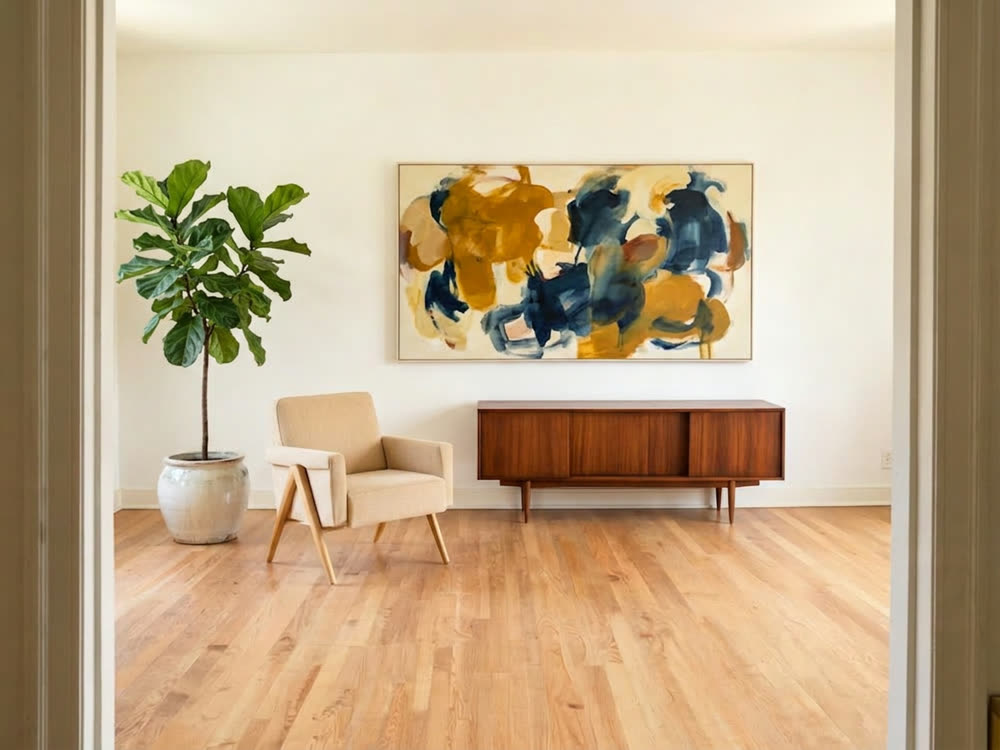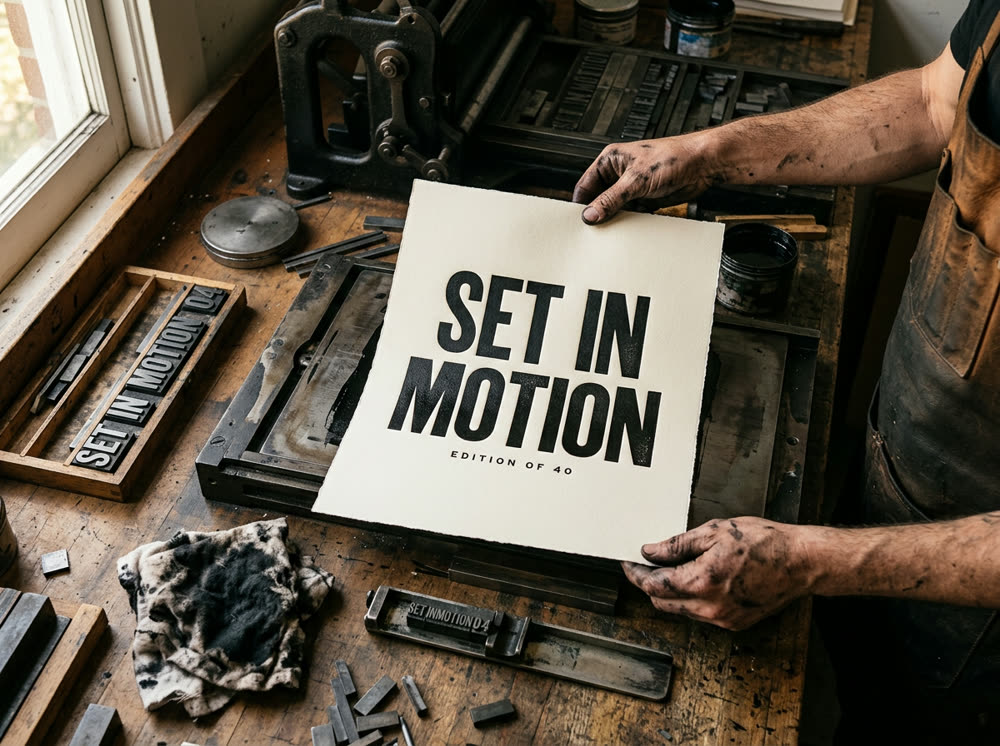
To use FLUX 3, open the Image studio, click the Model card and choose FLUX 3, write the image in the Prompt, set the Aspect and Variants, and press Generate. To edit a photo instead, add it as the Reference and describe the change. One FLUX 3 image costs 10 credits, with or without a Reference.
FLUX 3 is the newest image model from Black Forest Labs, and it suits photographic shots, products and scenes with fine detail. This guide covers both ways to use it, how to write a prompt it follows, and when FLUX 3 Klein, the small model of the same family, is the better pick.
What you need
- A prompt: the subject, the setting, the light and the kind of picture (product photo, documentary photo, poster).
- Optional: a photo to edit, added as the Reference. If it shows a real person, use your own photo or one you have their permission to edit.
- A Kinoseed account and some credits. Generating starts with a plan; the $10 Basic plan (500 credits a month) covers 50 FLUX 3 images at Variants 1.
Step by step
- 1
Open the Image studio and choose FLUX 3
The Model card at the top shows Seedream 5.0 · Lite, the default. Click it and pick FLUX 3; the card then shows its name. The FLUX 3 model page opens the studio with it already selected.
- 2
Leave Reference empty for text to image, or add a photo to edit it
With Character and Reference (optional) empty, the image is made from your words alone. Drop a photo into Reference to edit it: FLUX 3 changes it the way you describe. A Reference costs nothing extra, 10 credits an image.
- 3
Write the Prompt
Lead with the kind of picture and the subject, then the setting, the light and the lens: "Studio photo of a matte sage green mug on a pale oak table, soft window light from the left, shallow depth of field". For an edit, say only what should change and what must stay, such as "Replace the background with a sunlit kitchen. Keep the mug exactly as it is." The prompt takes up to 2,000 characters.
- 4
Set the Aspect and Variants
Aspect is a dropdown: 1:1, 4:5, 3:4, 3:2, 16:9 or 9:16. Variants is how many images one run returns: 1, 2, 4 or 8. On FLUX 3, 1 image is 10 credits and 4 are 40.
- 5
Press Generate
The price is on the button. Results land in the feed beside the controls; open one full size, download it, or recreate it with the same settings to try a variation. There is no watermark, and a failed run is refunded automatically.
Prompts to copy
Paste any of these into Image studio as a starting point, then change the details to fit your photo.
Product photo
Advertising photograph of a single white running shoe balanced on a cracked concrete block, hard afternoon sun, long shadow, plain sand-coloured wall behind.
Documentary scene
A fishmonger at a morning market holds up a silver fish, wet cobblestones, crates of ice, overcast light, documentary photograph, 35mm.
Edit with a Reference
Put this bottle on a wet black stone in a forest stream, morning mist behind, soft light from above. Keep the bottle, its label and its colour exactly as they are.
Food still life
Overhead photo of a rustic sourdough loaf on a floured linen cloth, a knife and a small dish of butter beside it, warm side light, fine crumbs, natural colours.
FLUX 3 or FLUX 3 Klein
FLUX 3 Klein is the fast, low-cost model of the family: 3 credits an image and 8 for 4, against 10 and 40 on FLUX 3. Use it to try many versions of a prompt, then run the one you like on FLUX 3, which keeps more fine detail.
What it costs, and other models to try
FLUX 3 runs at 1K. One image is 10 credits whether you start from text or a Reference. For comparison, Nano Banana Pro costs 30 credits an image and GPT Image 2 25; the studio describes GPT Image 2 as best for posters and graphics with text. Every plan includes all of them; see pricing and the models page.
More examples
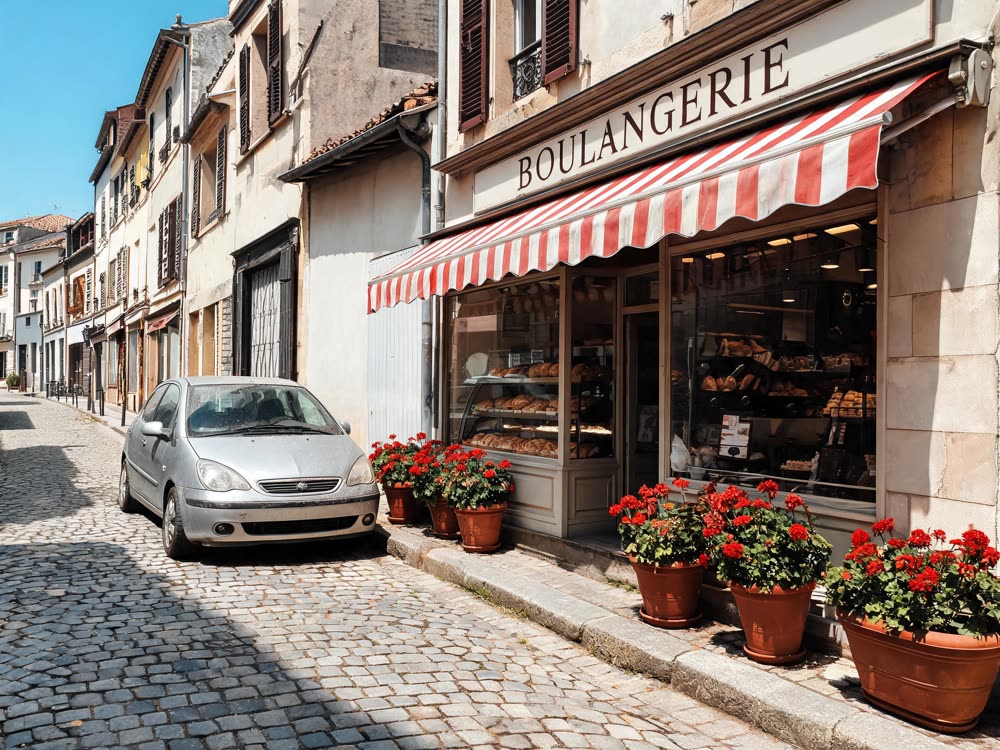
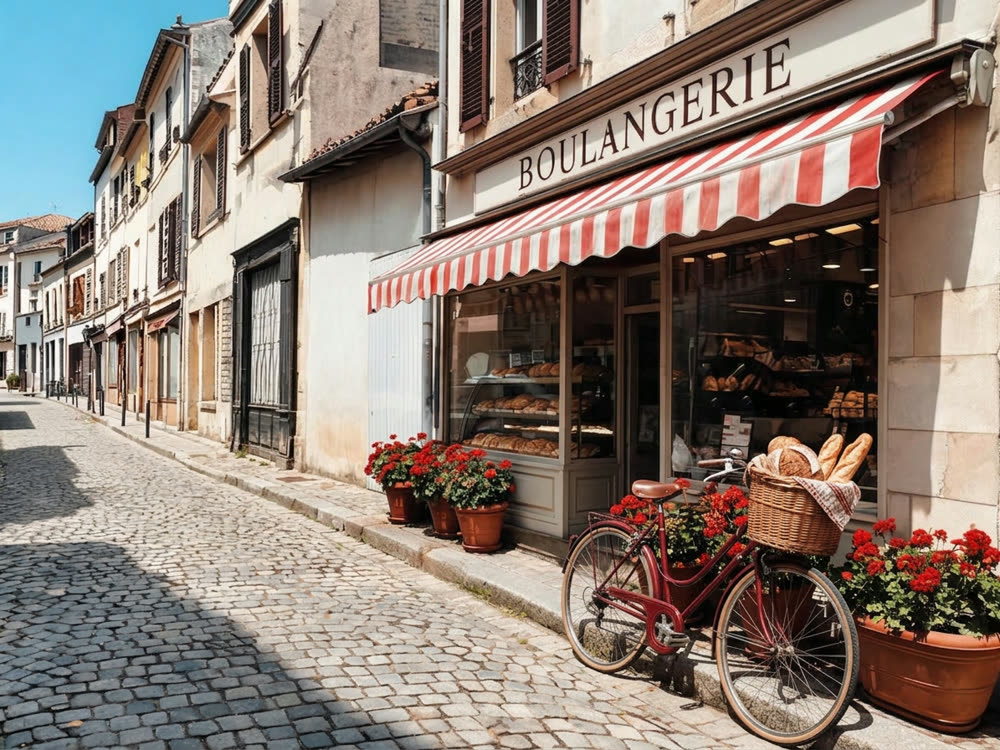
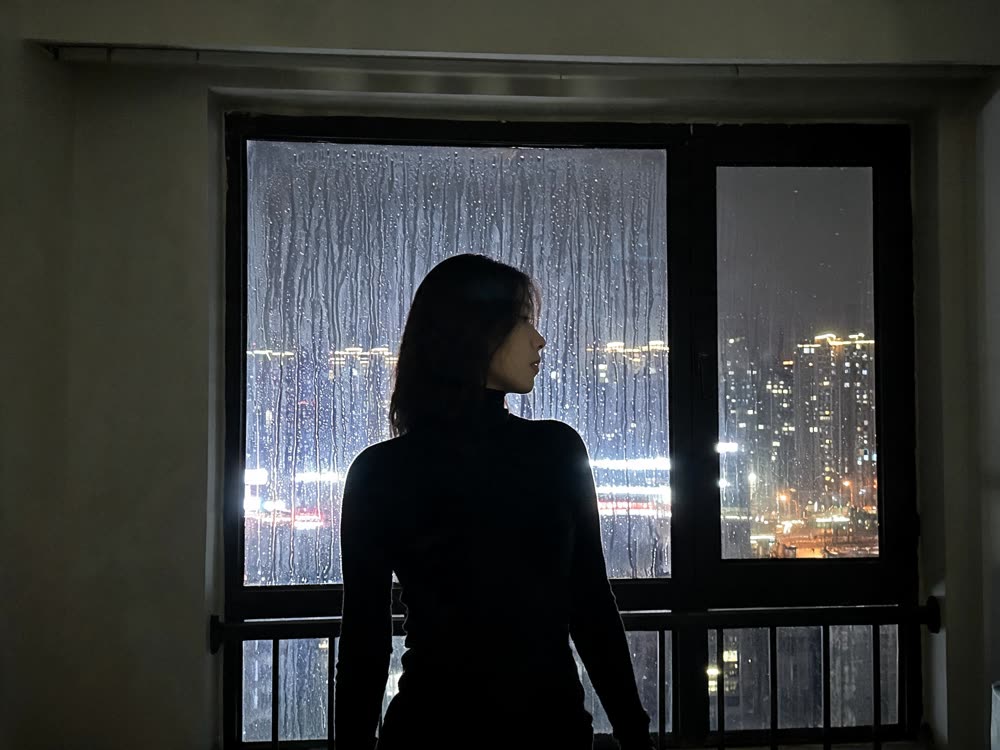
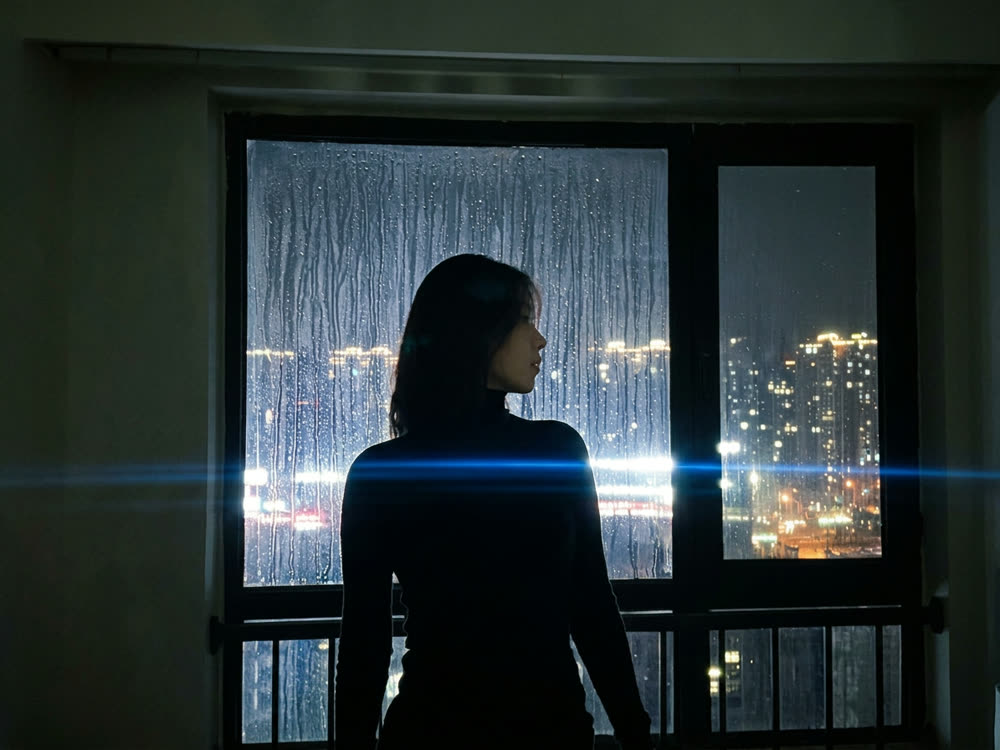
Tips for better results
- Draft on FLUX 3 Klein at 3 credits an image, then switch the Model to FLUX 3 for the final.
- Set Variants to 1 while you shape the prompt. Four images per run cost four times as much.
- Name the light and the lens. Photographic words such as window light, 35mm or shallow depth of field do more for realism than adjectives like stunning.
- For an edit, say what must stay the same. Without it, the model may restyle things you wanted kept.
- To make the picture move, open it in Image to Video.
Frequently asked questions
What can FLUX 3 do?
It makes an image from a text prompt, and it edits a photo you add as the Reference, following what you write. It runs at 1K in 1:1, 4:5, 3:4, 3:2, 16:9 or 9:16.
How much does FLUX 3 cost?
Generating starts with a plan. One FLUX 3 image costs 10 credits, with or without a Reference, and FLUX 3 Klein costs 3. The exact price is on the Generate button before you run it.
What is the difference between FLUX 3 and FLUX 3 Klein?
FLUX 3 Klein is the small, fast model of the same family and costs 3 credits an image against 10. FLUX 3 keeps more fine detail, so it suits the final image.
Can FLUX 3 put text in an image?
Put any words in quotes in the prompt and check the spelling on the result. For posters and ads where the text must be exact, the studio describes GPT Image 2 as the model for near-perfect text. See how to make a poster with exact text.
Try it on your own photo.
Image studio is open to explore. The price of a run is on the button before you spend anything.