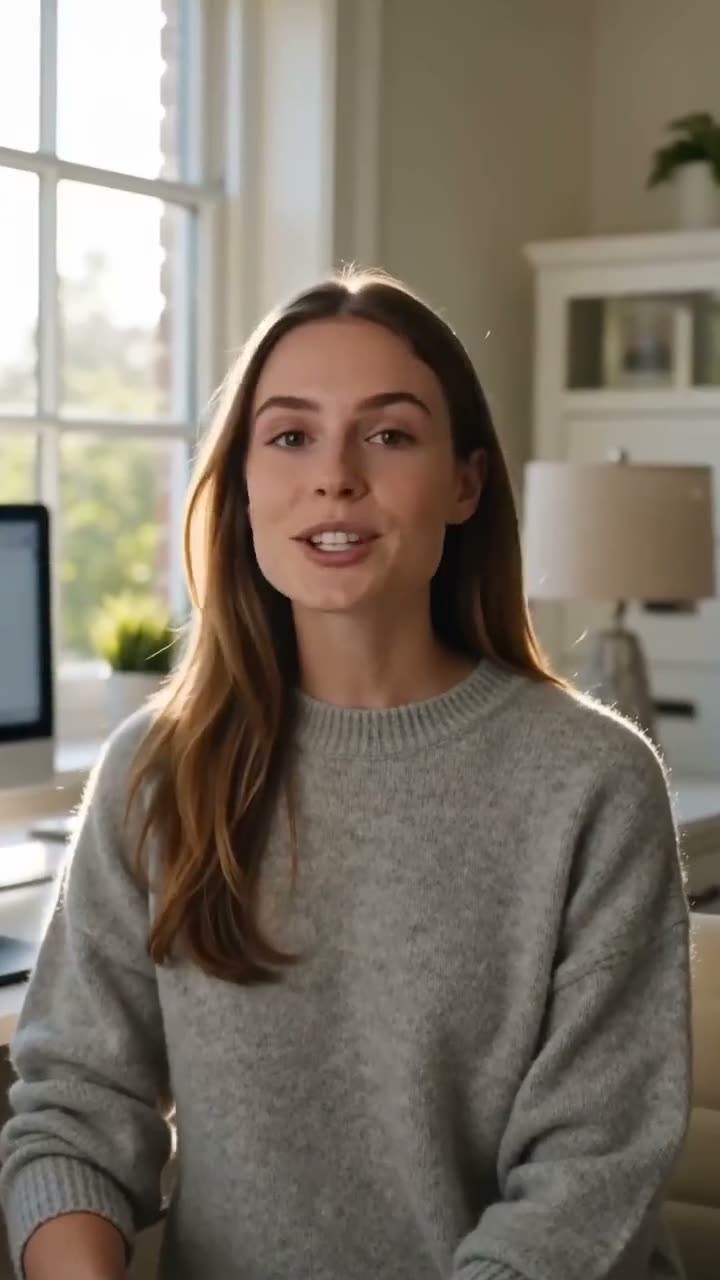
To make an AI video with sound, open the Video studio, choose a model that makes audio (Google Veo 3.1 or Kling 3.0, for example), write the scene with the spoken line in quotes, tick Sound and press Generate Video. Voices, effects and ambience are made together with the picture. A 4 second Google Veo 3.1 clip at 1080p costs 290 credits with Sound and 150 without; 5 seconds of Kling 3.0 costs 160 with Sound and 110 without.
If you already have the voice, as a recording or a voiceover, use Lip Sync instead: it makes a portrait speak your audio file, for 7 credits for 10 seconds.
What you need
- The scene and, if someone speaks, the exact line. One sentence fits in a 4 to 6 second clip.
- For a talking person from a photo: your own photo, or one that person agreed to have animated.
- A Kinoseed account with credits. Video starts with a plan; the $10 Basic plan (500 credits a month) covers a 4 second Google Veo 3.1 clip with Sound.
Step by step
- 1
Open the Video studio and choose a model with sound
Click the Model card. Models with a Sound box: Kling 3.0, Google Veo 3.1, Google Veo 3.1 Lite, Seedance 1.5 Pro, Kling 3.0 Standard, Kling 2.6 Pro and Google Veo 3.1 Fast. Models that always make sound, with no box to tick: Seedance 2.0, Seedance 2.5, Seedance 2.0 Mini and Seedance 2.0 Fast.
- 2
Write the scene, the line and the sounds
Say who is in the frame and what happens, put the spoken words in quotes with who says them, and name the background sound in a few words: "rain on the window, no music". Without a description the model picks sounds that fit the picture.
- 3
Tick Sound
The Sound box sits beside the shape buttons on models that charge for audio. Ticking it raises the price on the button: Seedance 1.5 Pro, the default, goes from 25 to 50 credits for 5 seconds at 720p.
- 4
Pick the shape and Duration, then press Generate Video
Use 9:16 for Reels, Shorts and TikTok. The clip lands in the feed with its sound, ready to download as an MP4, with no watermark. A failed run is refunded automatically.

Prompts to copy
Paste any of these into Video studio as a starting point, then change the details to fit your photo.
One line of dialogue
A chef in a steamy kitchen turns to the camera, holds up a plate and says: "Table four, it's ready." Pans clattering behind. Medium shot, camera still.
Ambience only
Waves breaking on black volcanic sand at dawn, gulls calling, wind across the microphone. Low tracking shot along the waterline.
Product with sound effects
A can of soda is cracked open in close-up, the fizz hissing, ice cubes dropping into a glass. Macro, slow push in. No music.
Which model for which sound
Google Veo 3.1 is the pick for speech: up to 8 seconds, up to 4K, 600 credits for 8 seconds at 1080p with Sound. Kling 3.0 suits effects and ambience under motion with weight, 5 or 10 seconds. Seedance 2.5 makes sound in every clip, from 210 credits for 5 seconds at 480p. Guides: how to use Veo 3.1, how to use Kling 3.0.
Talking video from your own voice
Generated voices are invented by the model. To have a face say exactly what you recorded, upload a portrait and the audio to Lip Sync: up to 30 seconds per video, 7 credits for 10 seconds and 14 for 30. Step by step: how to make a photo talk. Use your own face, or someone who agreed.
More examples
Tips for better results
- Keep one spoken line per clip. Long speeches get cut off at the clip's end.
- Write "no music" when you want only voices and effects.
- Draft with Sound off to get the picture right, then run the keeper with Sound on.
- For a longer talk, make several clips, or record the voice and use Lip Sync, which runs up to 30 seconds.
Frequently asked questions
Which AI video generator makes sound?
In the Kinoseed Video studio: Kling 3.0, Google Veo 3.1, Google Veo 3.1 Lite, Seedance 1.5 Pro, Kling 3.0 Standard, Kling 2.6 Pro, Google Veo 3.1 Fast, Seedance 2.0, Seedance 2.5, Seedance 2.0 Mini and Seedance 2.0 Fast. The first group has a Sound box that costs extra; the Seedance 2 family always makes sound.
Can AI make a video of someone talking?
Yes. Write the line in quotes and tick Sound on Google Veo 3.1 or Kling 3.0, or upload a portrait and a recording to Lip Sync. Use your own face, or someone who agreed.
How much does an AI video with sound cost?
Video starts with a plan. 290 credits for 4 seconds of Google Veo 3.1 at 1080p with Sound, 160 for 5 seconds of Kling 3.0 with Sound. See what an AI video costs.
Can I add my own music instead?
Yes. Leave Sound off, download the silent clip and put your music under it in any editor.
Try it on your own shot.
Video studio is open to explore. The price of a run is on the button before you spend anything.