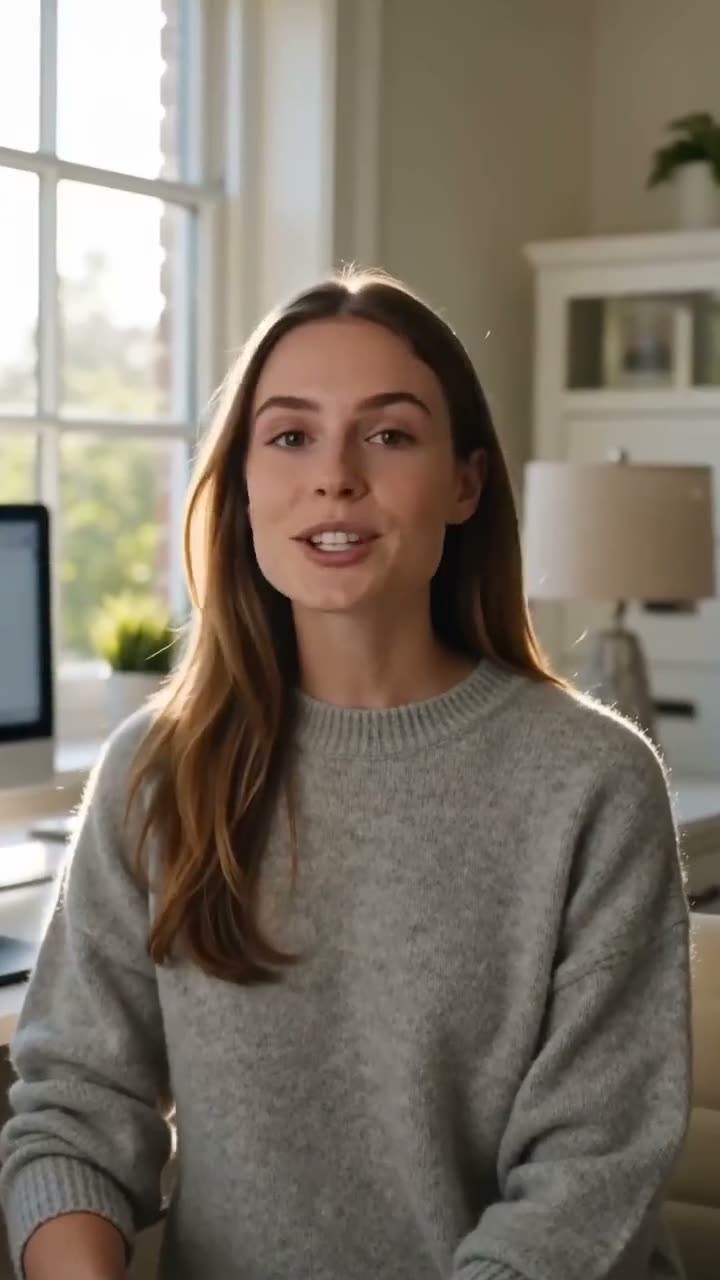
To animate an old photo with AI, scan or photograph the print, clean it up, upload it to Image to Video as the first frame, and describe one small motion: a blink, a turn of the head, a smile. The video model keeps the face, the clothes and the setting from the photo and adds the movement. A 5 second clip on Seedance 1.5 Pro, the default model, costs 25 credits at 720p.
The trick with old photos is restraint. A gentle move looks like the moment the photo was taken; a big one makes the model invent too much and the face drifts. This article covers preparing the scan, the controls in order, motion prompts that suit a portrait, and what a clip costs.
What you need
- A scan or a sharp phone photo of the print, taken straight on, in even light, with no glare.
- Permission. Animate photos of yourself, or of people who have agreed to it. For family photos, check with the family first.
- A Kinoseed account and some credits. Generating starts with a plan; the $10 Basic plan (500 credits a month) covers 20 default clips of 5 seconds at 720p.
Step by step
- 1
Clean up the scan first
A small or soft scan gives the model little to work with, so enlarge it with Image Upscale. Scratches, folds and dust spots are best removed before animating: brush over them in Inpaint and leave the prompt empty. Crop to the shape you want the clip to be.
- 2
Upload it to Start here
Open Image to Video and drop the cleaned photo into the slot marked Start here. It becomes the first frame, so the clip begins on exactly your picture.
- 3
Pick the Model
Seedance 1.5 Pro is selected and is the cheap choice for trying motions. Click the Model card to switch to Kling 3.0, which has natural, weighty motion for people, or Google Veo 3.1 for a polished look. Duration and Resolution change to what the chosen model supports.
- 4
Write one small motion in the Prompt
The photo already says who is in it. Use the Prompt for what moves and what the camera does, and ask for little: "She blinks, smiles softly and tilts her head, the camera holds still". Add "black and white" or "faded colour film" if you want the clip to keep the look of the print.
- 5
Press Generate Video
The cost is on the button before you press it: 25 credits for 5 seconds on Seedance 1.5 Pro at 720p. The clip lands in the feed, ready to download, with no watermark. A failed run is refunded automatically.
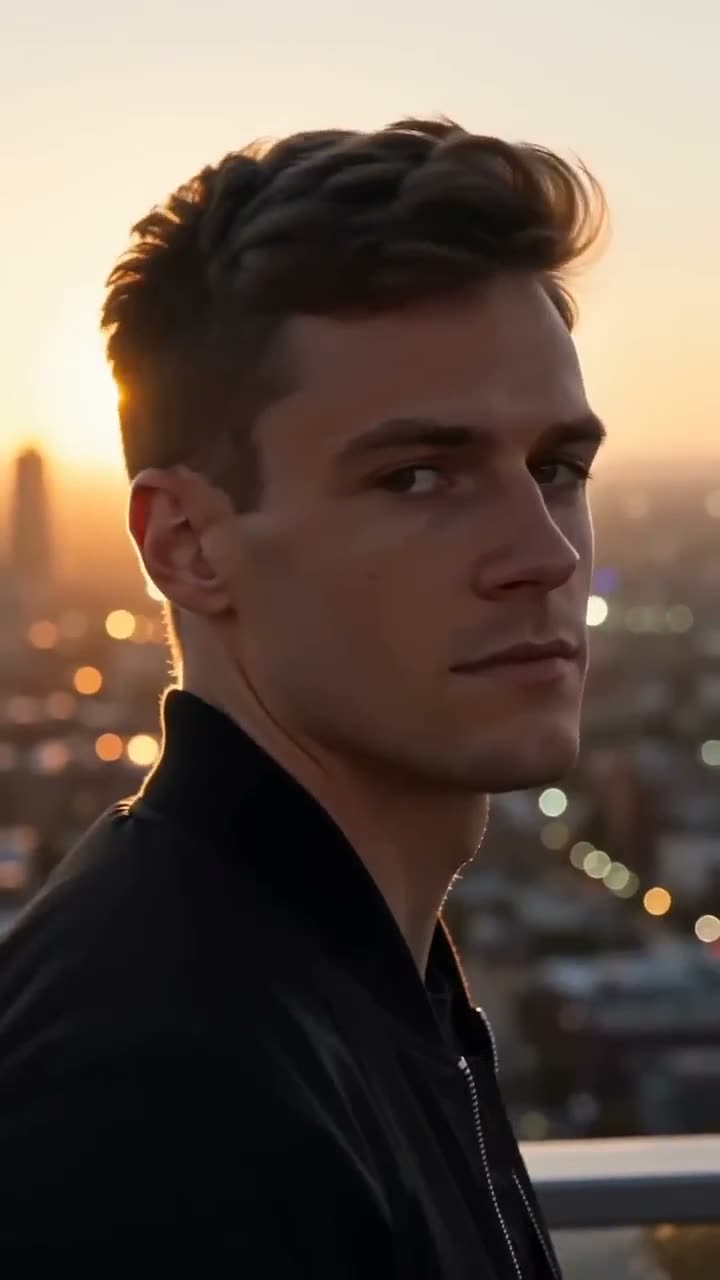
Prompts to copy
Paste any of these into Image to Video as a starting point, then change the details to fit your photo.
Single portrait
He blinks slowly, then a small smile spreads across his face, his head turning slightly toward the camera. The camera holds still. Keep the black and white film look and grain.
Couple
The two of them glance at each other and laugh softly, then look back at the lens. Very subtle movement, the camera holds still, faded colour film look.
Outdoor scene
A light breeze moves her hair and the leaves behind her, she breathes in and smiles. Slow, gentle push in. Keep the warm, faded tones of the print.
What it costs
Seedance 1.5 Pro costs 25 credits for 5 seconds at 720p. Kling 3.0 costs 110 for 5 seconds, Google Veo 3.1 150 for 4 seconds at 720p, and Google Veo 3.1 Lite, the cheapest for drafts, 25 for 4 seconds at 720p. See pricing for the plans, or the image to video article for every model side by side.
Keep it honest
An animated photo is a new clip made by a model, not a recording of what happened. Expressions and movements are invented. When you share one, say it was animated with AI, especially if it shows someone who has died or can no longer agree to it.
More examples

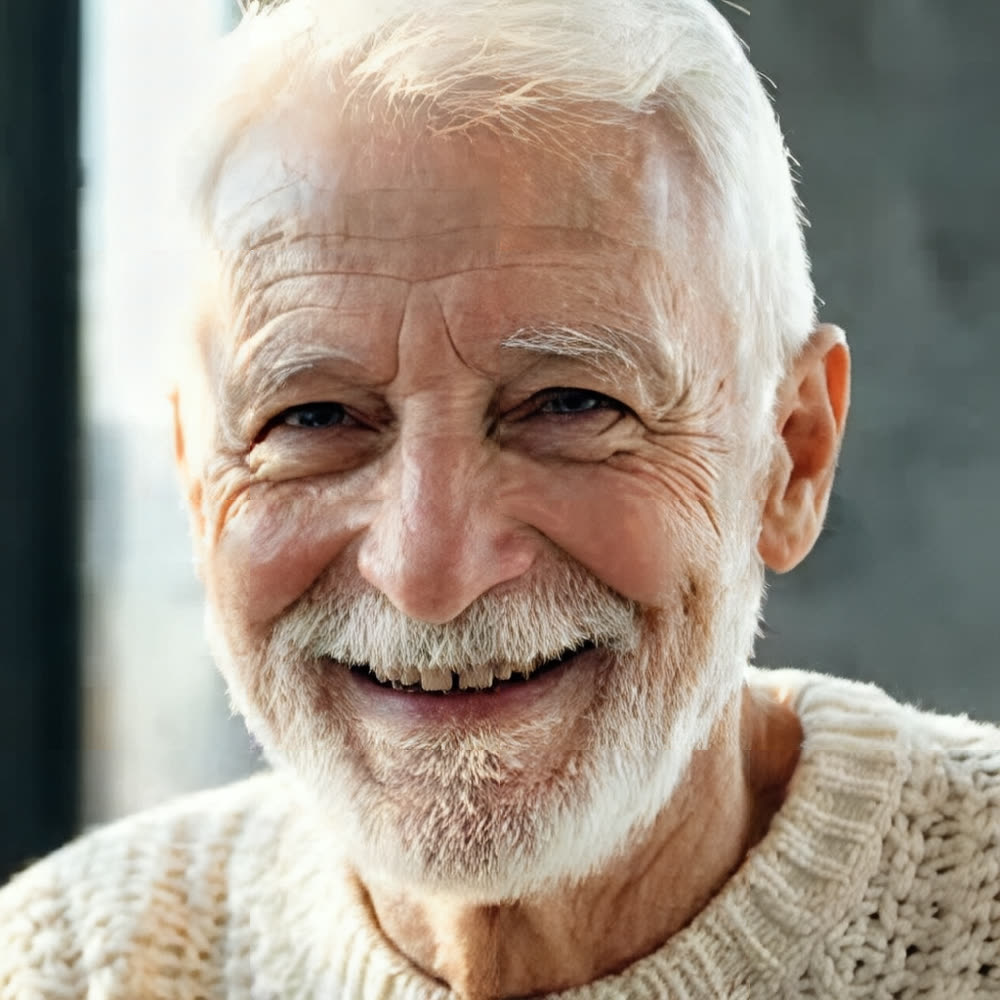
Tips for better results
- Ask for one move. A blink and a smile in 5 seconds looks real; walking, talking and waving at once does not.
- Tell the camera to hold still. A moving camera on an old portrait makes the model invent the edges of the room.
- Draft cheap, then render once. Try motions on Seedance 1.5 Pro or Google Veo 3.1 Lite, and switch to Kling 3.0 for the take you will keep.
- Want the person to say something? Use Lip Sync with a recorded line, and only with their consent or their family's.
Frequently asked questions
What does it cost to animate an old photo?
Generating starts with a plan. A 5 second clip on Seedance 1.5 Pro at 720p costs 25 credits and a 4 second Google Veo 3.1 Lite clip costs 25; the $10 Basic plan (500 credits a month) covers either.
Will it still look like the person in the photo?
The photo is the first frame, so the clip starts exactly on their face. Small movements keep the likeness best; big head turns and fast motion make the model guess at what the camera never saw. Watch the whole clip before you share it.
Does it work with black and white or damaged photos?
Yes. Clean up scratches and enlarge small scans first, and say in the prompt that the clip should keep the black and white look, or it may drift toward colour.
Can I animate a photo of someone else?
Only with their permission, and for family photos, with the family's. Kinoseed's terms forbid impersonating a real person without consent.
Try it on your own shot.
Image to Video is open to explore. The price of a run is on the button before you spend anything.