Make a knolling flat lay from a photo
Upload a photo of an object or a few of them. The parts come back separated and laid out as a knolling grid, an exploded view or a single row.
You need: One photo of an object or a small group of them, with every part in view. A typical run is 16 credits, shown on the button before it starts.
Every run shows its price first, and a run that fails is refunded.
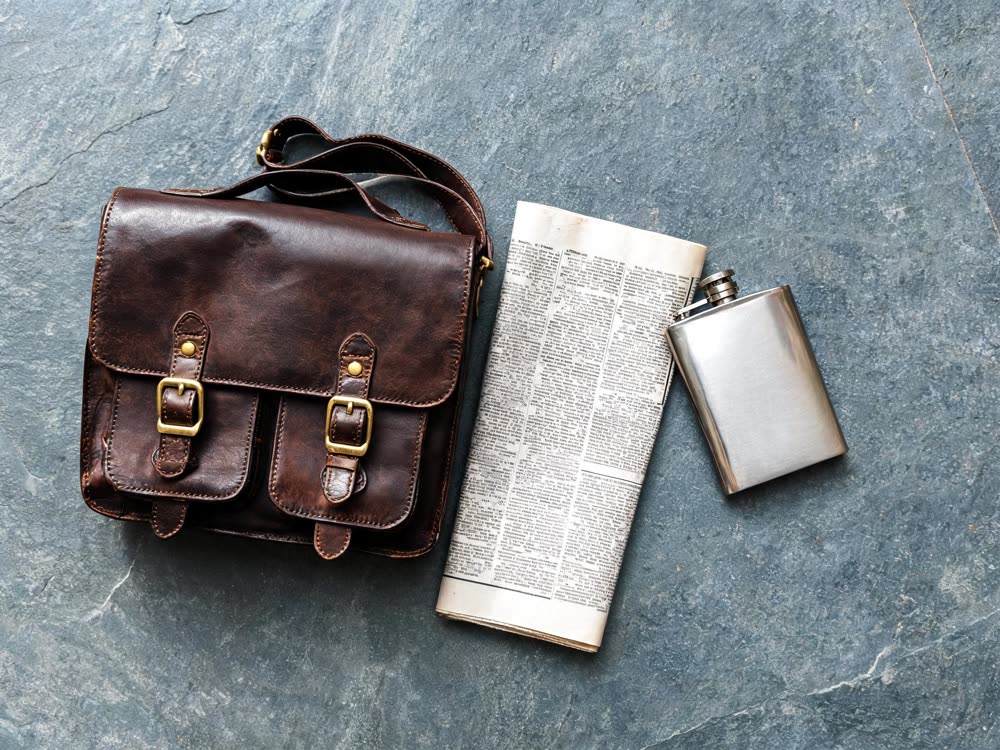
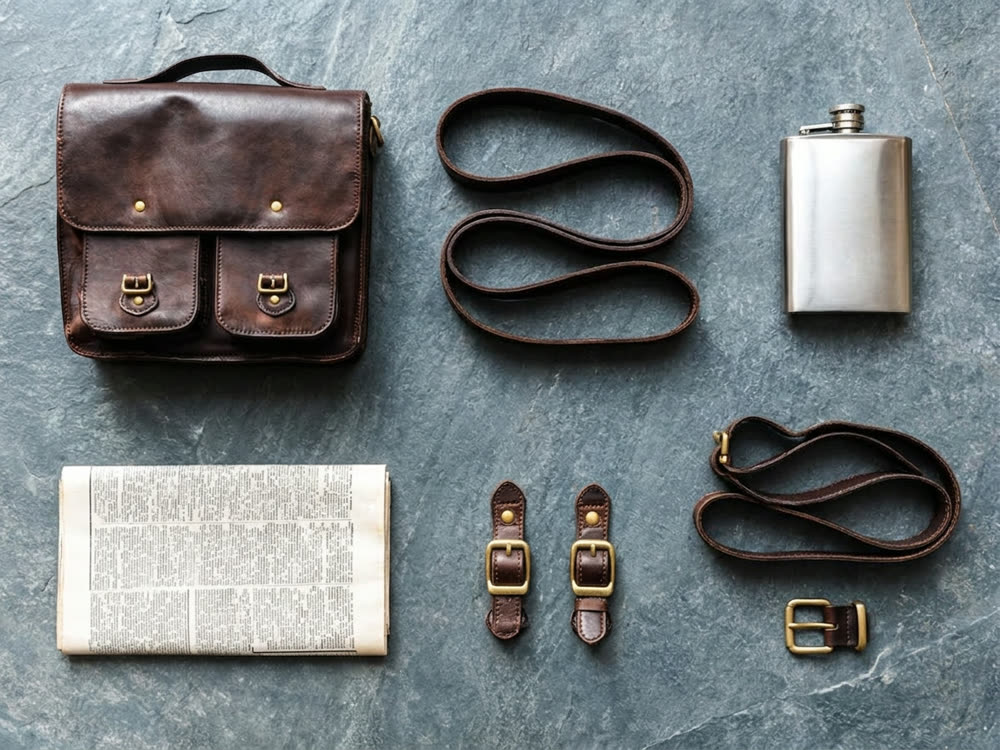
A real result from this tool, made with Nano Banana 2. The prompt: Rearrange the same objects into a neat exploded knolling layout on the same slate surface: bag, strap, each buckle, the newspaper and the flask separated and evenly spaced in a grid, all from directly above. Same objects, same materials, same light.
What makes it come out well
- Show every piece you want in the layout. Parts hidden in the photo, like the inside of a bag, are guessed or left out.
- Keep the original surface for a lifestyle look, or pick studio grey or paper for a clean catalogue shot.
- Use Exploded for things that fit together, like a gadget or a watch, and Knolling for a set of separate items.
Questions
What is knolling?
Arranging objects at right angles in a tidy grid, photographed from directly above. It is a common look for product and what's-in-my-bag posts.
Will my exact items be kept?
The tool asks for the same objects and materials, but small details like logos can shift. Check them before you post.