Remove the background from a product photo
Add the photo. You get your product cut out with a transparent background, ready to drop on white for a store listing.
You need: A photo where the product is in focus. A typical run is 2 credits, shown on the button before it starts.
Every run shows its price first, and a run that fails is refunded.
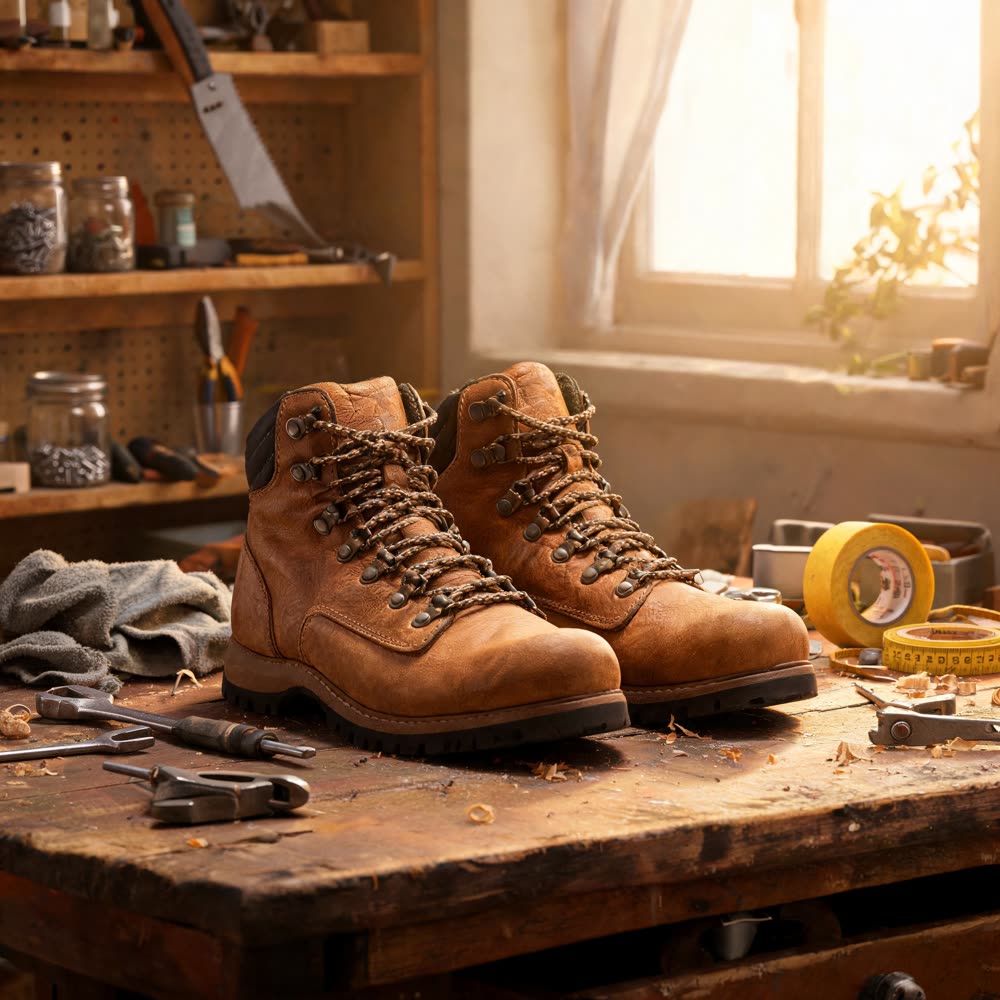
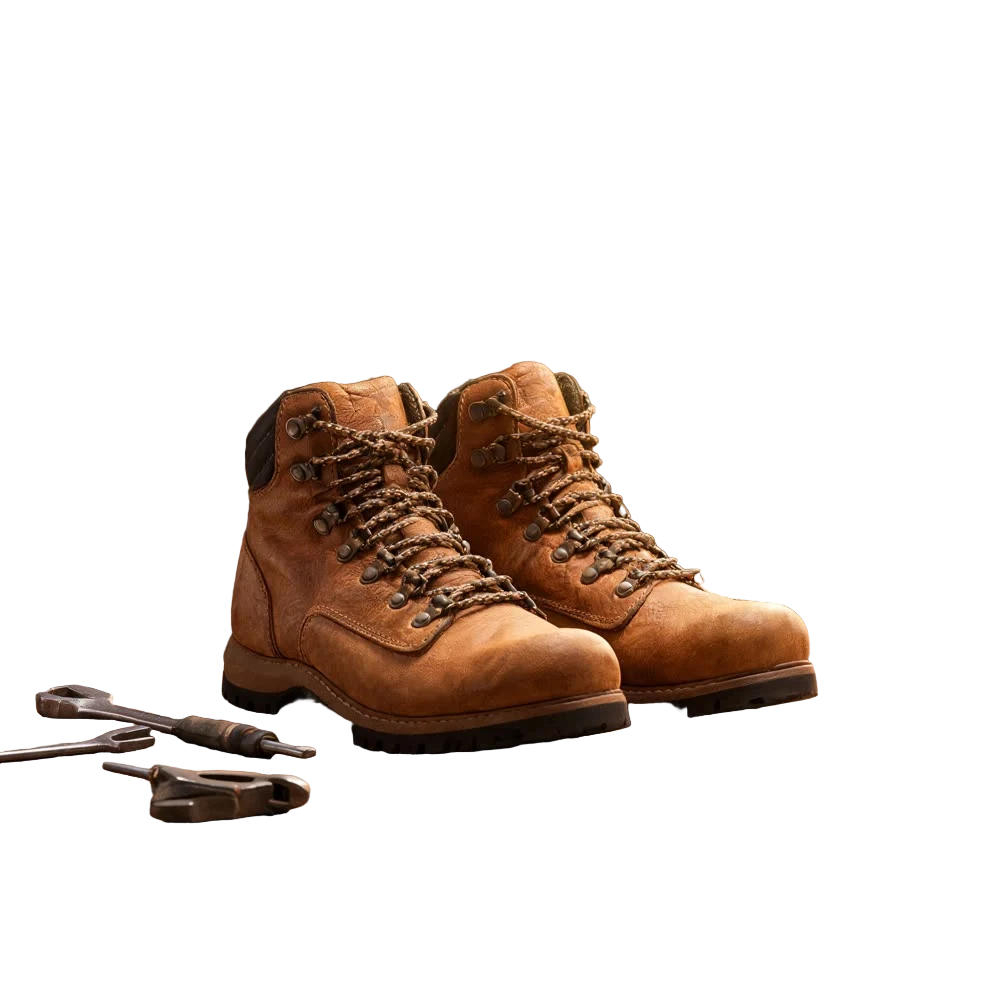
A real result from this tool, made with BiRefNet v2. The prompt: A pair of tan leather hiking boots sitting on a cluttered workshop bench, tools and shelves and a window behind them, warm afternoon light. Product photograph, sharp focus on the boots.
What makes it come out well
- Stand the product apart from things of the same colour. Edges are found by contrast, so tan boots on a tan bench are the hard case.
- Check see-through parts like glass and laces at full size, since those are what needs a second look.
- Keep the cut-out as PNG. Saving it as JPG puts a white box back behind it.
Questions
Can I get a pure white background for a marketplace?
Yes. Place the cut-out on white, or make a packshot from the same photo with the AI packshot page.
Does it work on people?
Yes. Hair is the hard part, and it holds up best against a plain background.