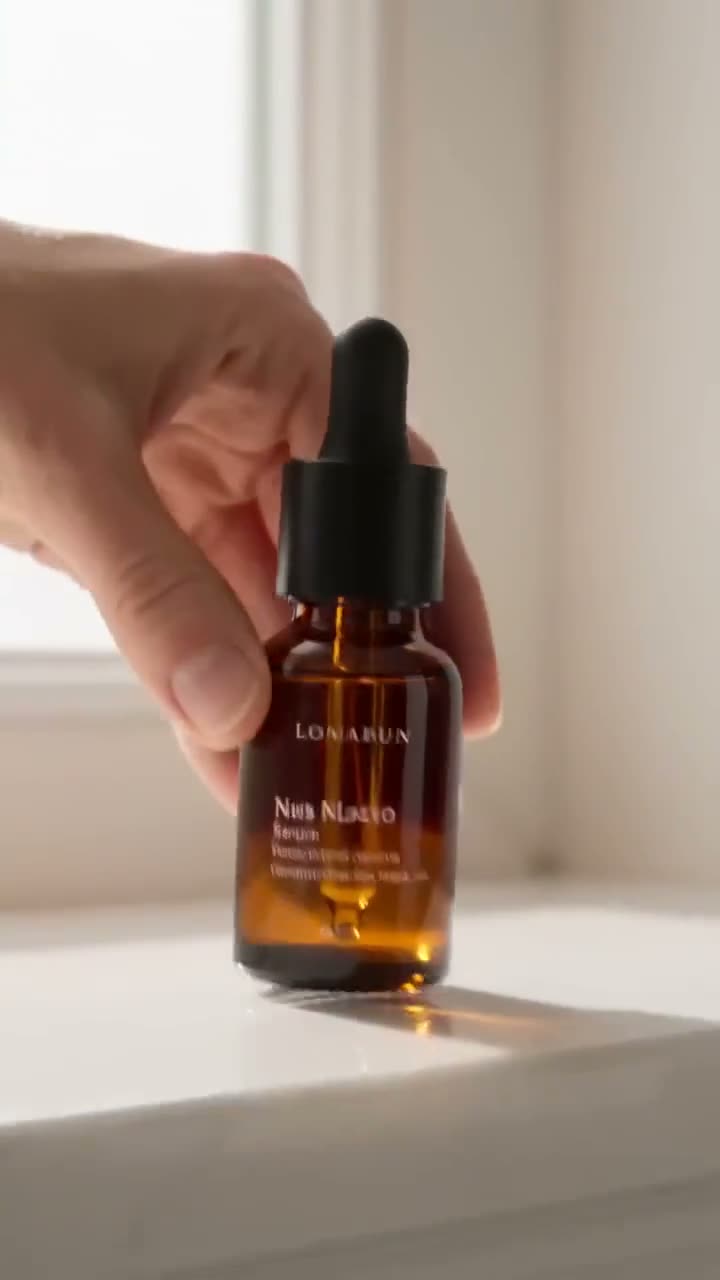
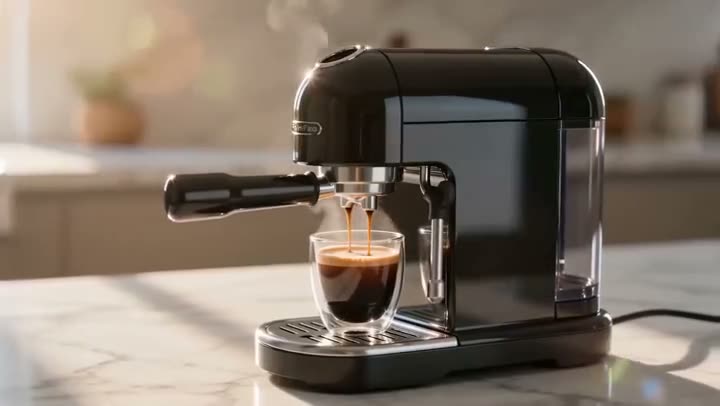
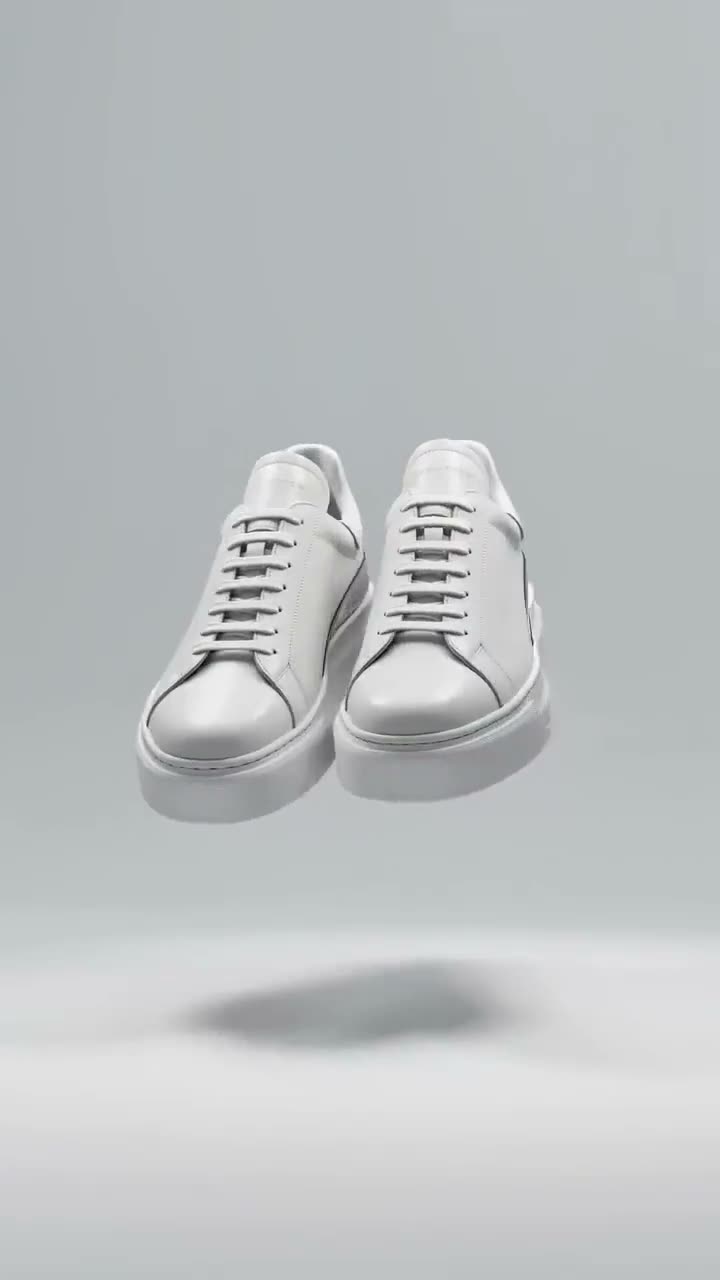
To make an AI billboard ad from a product photo, upload the photo or artwork to Billboard Ad, add an optional headline, pick a Placement and the Light, then press Generate Video. Seedance 1.5 Pro puts your image on a giant billboard, keeps it flat and correctly perspective-mapped to the board, and runs the city around it as a cinematic timelapse while the camera pushes in. A 5 second clip at 720p costs 25 credits.
It is a fast way to show a client or a team what a campaign would look like out of home, or to make a launch post that looks expensive. This article covers every control, how to write a headline that renders cleanly, and the price of each setting.
What you need
- The product photo or campaign artwork for the board. Bold, high-contrast images survive the distance and the angle; fine detail does not.
- A short headline, if you want one: a few words, 60 characters at most.
- A Kinoseed account with 25 credits for a default clip. Video needs a plan; the $10 Basic plan (500 credits a month) covers it.
Step by step
- 1
Upload image
Open Billboard Ad and drop your product shot or artwork into the Upload image slot. This is exactly what goes up on the board.
- 2
Write the Billboard text (optional)
Type a headline, for example "FRESH. NATURAL. YOU.". It is set in bold type over the artwork. Short lines render most reliably inside a moving shot; a full sentence tends to blur.
- 3
Choose the Placement
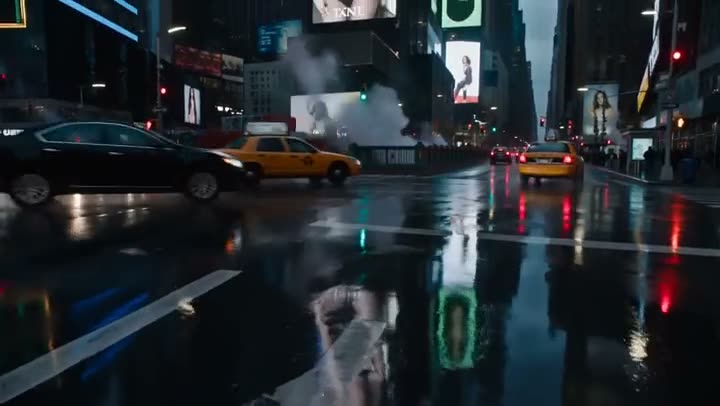
Times Square puts it on a towering LED stack above cabs and crowds, Shibuya on a wrapped facade over the scramble crossing, Highway on a lone roadside board with headlights streaking past, Underground on a backlit subway poster, and Rooftop on a vast painted board with clouds racing behind.
- 4
Set the Light, Length and Res
Light is Night, Dusk or Day: at night the board is the brightest thing in frame, at dusk the city lights are just coming up. Length is 5, 8 or 10 seconds. Res starts at 720p and runs from 480p to 1080p. The clip is always 16:9.
- 5
Press Generate Video
The button shows the price for your settings: 25 credits for 5 seconds at 720p. The clip arrives in the feed beside the controls, with no watermark, ready to download. A failed run is refunded automatically.
Billboard Ad
Massive billboard takeover
Open in appSign in to generate. The price of a run is on the button.
What it costs
At 720p, 5 seconds costs 25 credits and 10 seconds costs 50. Dropping to 480p brings a 5 second draft down to 12. The Starter plan's 1,200 monthly credits cover 48 default clips. Switch on Best quality to run Seedance 2.0 instead, at 280 credits for the same 5 second clip. See pricing.
Getting the artwork to read
Think like an outdoor designer: one product, one colour field, a few words. A packshot on a plain background reads better at billboard distance than a lifestyle photo with lots going on. If your photo is cluttered, remove the background first and place the product on a solid colour.
For other out-of-home formats, Truck Ad wraps the artwork on the side of a moving truck and Signboard paints it as a mural on a building.
More examples
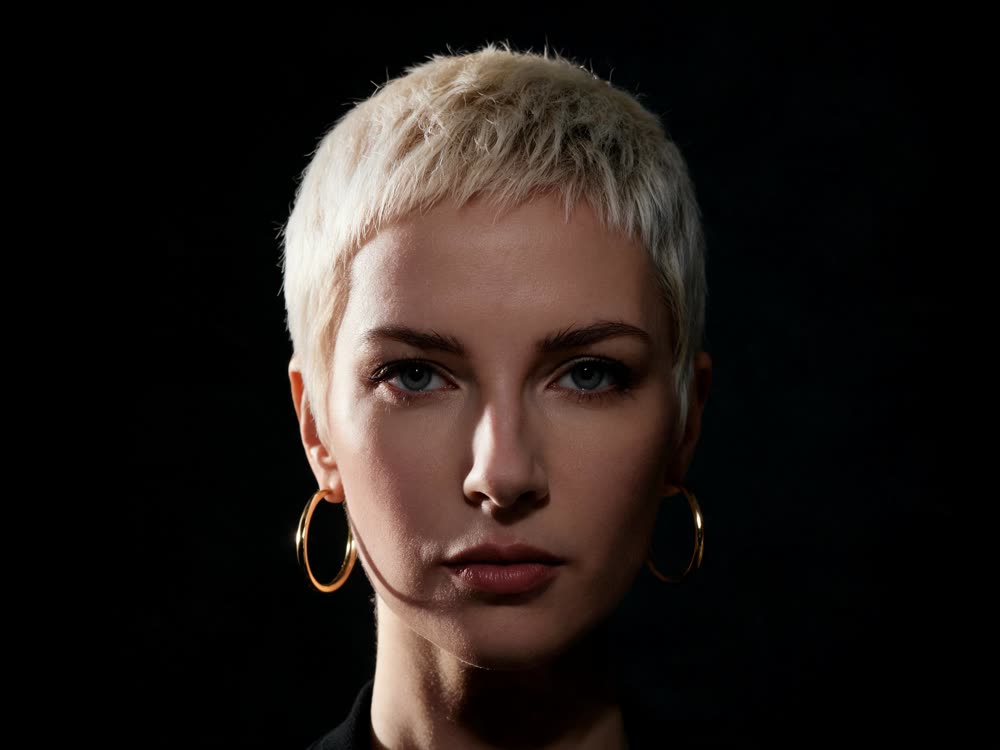
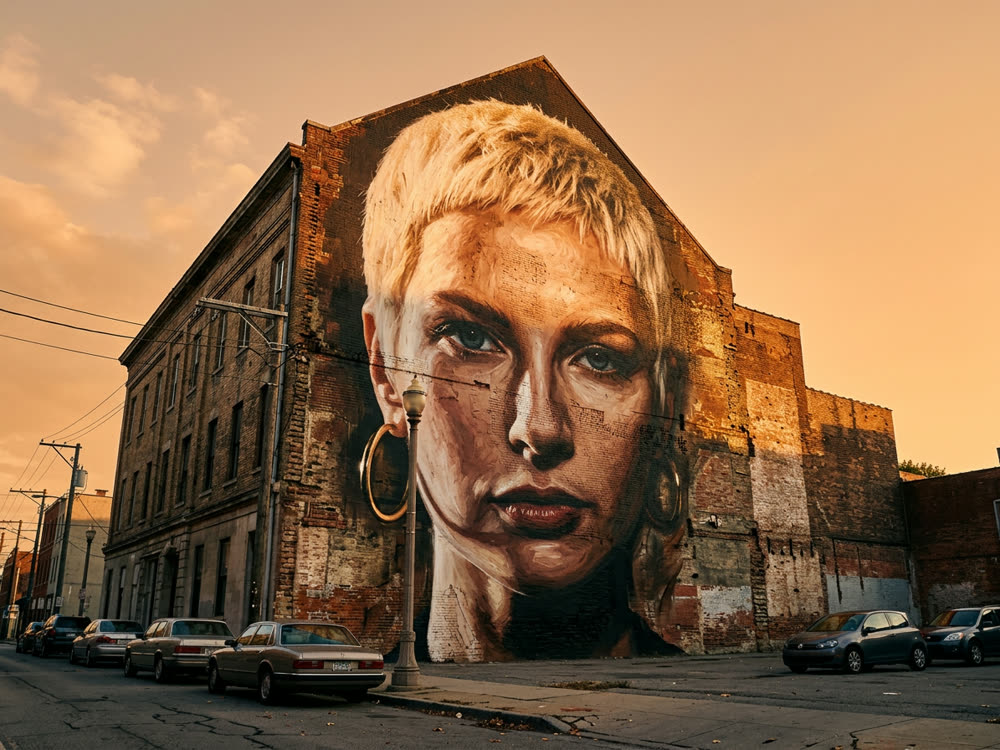
Tips for better results
- Keep the headline under five words. Type on a surface inside a moving shot is where AI video slips most.
- Pick Night for impact. A lit board in a dark street draws the eye straight to your artwork.
- Draft at 480p for 12 credits, then render the version you will share at 720p or higher.
- Need a full video ad, not a mockup? Turn a product link into a video ad with URL to Ad.
Frequently asked questions
Is this a real billboard?
No. It is a generated video of your artwork on a billboard, for pitches, mockups and social posts. Nothing is booked or displayed anywhere.
What does a billboard ad cost?
Generating starts with a plan. The cheapest clip, 5 seconds at 480p, costs 12 credits, which the $10 Basic plan (500 credits a month) covers.
Will my artwork be distorted?
The prompt asks for the artwork to stay flat, sharp and undistorted, mapped to the board's surface in perspective. Bold images hold up best; check small text and logos on the result.
Can I change the aspect ratio?
Billboard Ad always renders 16:9, the shape that fits a wide street shot. For a vertical out-of-home clip, Truck Ad has an Aspect control that includes 9:16.
Try it on your own shot.
Billboard Ad is open to explore. The price of a run is on the button before you spend anything.