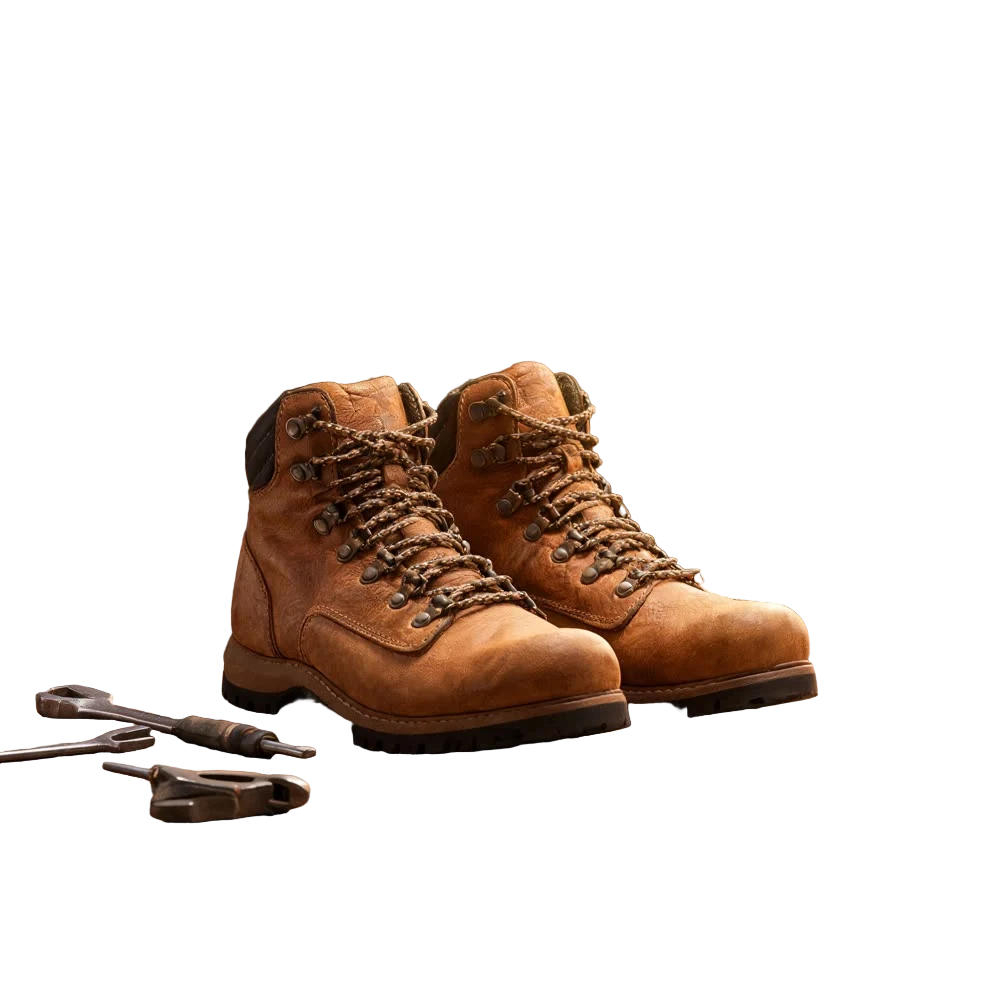
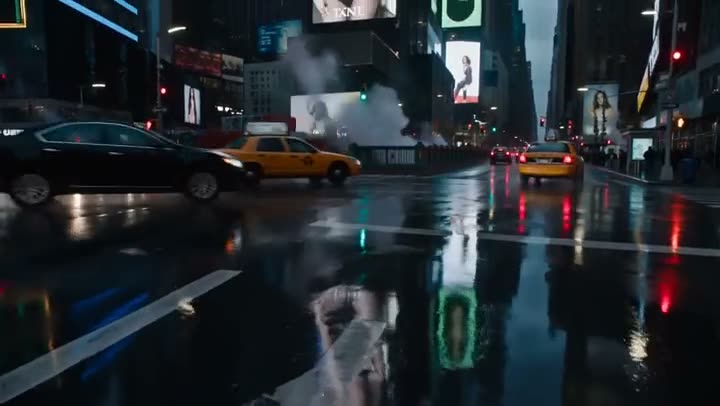
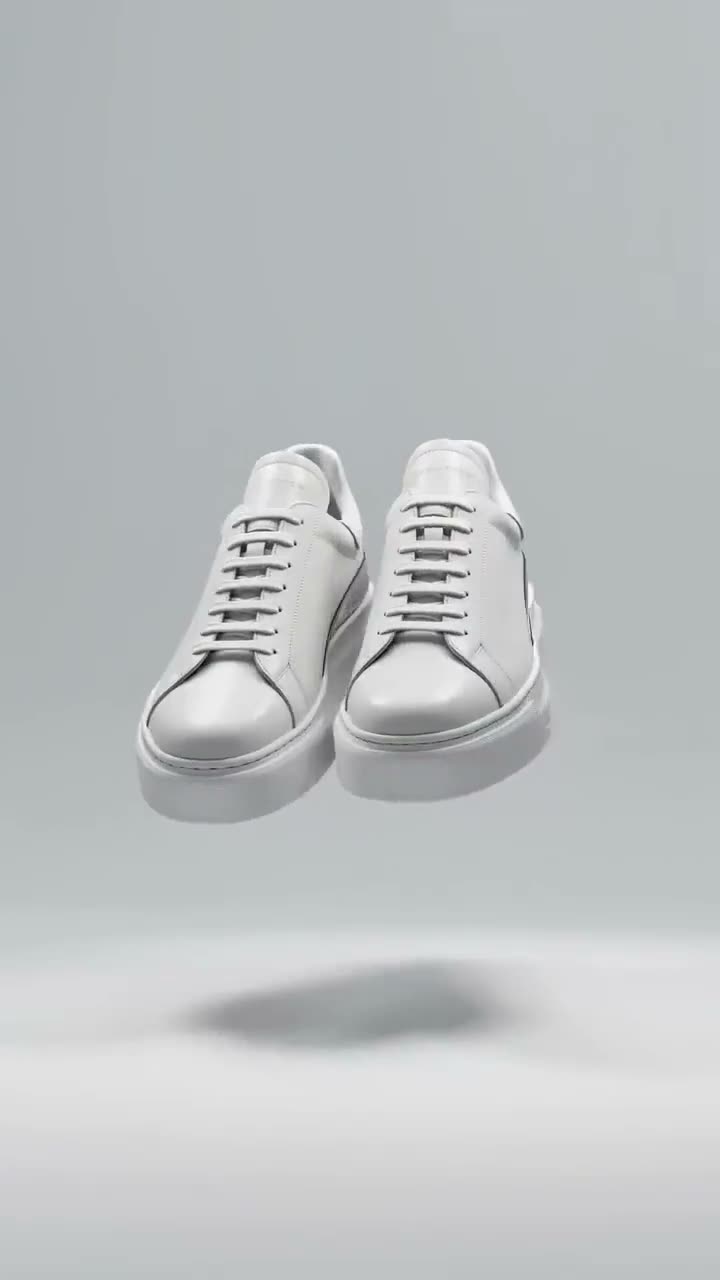
To make a bullet time product shot with AI, upload one packshot to Bullet Time White, choose a camera Move, and press Generate Video. Seedance 2.0 Mini keeps the product frozen and sharp in mid-air on a seamless white cyclorama while the camera orbits it, so you get a turntable-style spin without a turntable, a studio or a photographer. A 5 second clip at the default 480p costs 70 credits.
The white backdrop is the point: it drops straight onto a product page, a marketplace listing or an ad without fighting your layout. This article covers the controls in order, what each Move and In the air option does, and what a spin costs.
What you need
- One product photo with the whole product in frame. A clean cut-out on white works best, since there is less background for the model to replace.
- A Kinoseed account with enough credits for a spin: 70 credits at the default settings. Video needs a plan; the $10 Basic plan (500 credits a month) covers it.
Step by step
- 1
Upload the product
Open Bullet Time White and drop your packshot into the Upload product slot. Cleanly lit and roughly square-on is ideal. The prompt tells the model to remove the original background entirely, so a busy photo still ends up on white, but a cut-out gives it less to undo.
- 2
Choose the Move
Full lap, Half arc or Rising orbit. Full lap is a complete 360 degree orbit that ends where it started, Half arc is a slow 180 degree arc from one side to the other, and Rising orbit rises as it travels and ends looking slightly down at the product, which shows its top face.
- 3
Decide what hangs In the air
Nothing, Particles or Splash. Nothing keeps the frame to the product and the white. Particles adds a few motes of dust frozen in the light for depth, and Splash hangs a ring of clear droplets around the product, which suits anything liquid.
- 4
Set Aspect, Length and Res
Aspect starts on 9:16 for Reels, TikTok and mobile product pages; 16:9 and 1:1 are there for a site hero or a feed. Length is 5, 8 or 10 seconds and Res runs from 480p to 720p.
- 5
Press Generate Video
The price for your exact settings is on the button before you press it: 70 credits for 5 seconds at 480p. The clip lands in the feed beside the controls, ready to download, with no watermark. A failed run is refunded automatically.
Bullet Time White
Clean white-background spin
Open in appSign in to generate. The price of a run is on the button.
What a spin costs
Bullet Time White runs Seedance 2.0 Mini from your photo. At the default 480p, 5 seconds costs 70 credits and 10 seconds costs 140. The same 5 second spin at 720p costs 150. The Starter plan's 1,200 monthly credits cover 17 default spins. See pricing for every plan.
White cyc or a full scene?
Use Bullet Time White when the clip has to sit on a white page: a store listing, a catalogue, a clean ad. When you want the product inside a world that matches its packaging, with things swirling around it, use Bullet Time Scene instead, which our 360 product video article walks through.
More examples
Tips for better results
- Cut the product out first. If your photo has a cluttered background, run it through Background Remover before uploading.
- Upscale small packshots. A soft or low resolution photo gives the model less to hold the label with; upscale it first.
- Test at 480p, then go higher. Res is the biggest lever on price, so settle the Move at the default and render the keeper at 720p or above.
- Pick Splash for drinks, perfume and skincare. Frozen droplets read as liquid and give a still product some energy.
Frequently asked questions
What does a bullet time product shot cost?
Generating starts with a plan. The cheapest spin, 5 seconds at 480p, costs 70 credits, which the $10 Basic plan (500 credits a month) covers.
Does the product stay the same in the video?
That is what the prompt asks for: the product's shape, colour, labelling and materials reproduced exactly, held still while only the camera moves. A sharp, evenly lit packshot gives it the best chance; check fine label text on the result before you publish.
Can I use the clip on my store or in ads?
Yes. There is no watermark, and Kinoseed's terms say you keep ownership of what you generate, subject to the underlying model providers' terms. You need the rights to the product photo you upload.
What is the difference between Bullet Time White and Bullet Time Scene?
Bullet Time White always puts the product on seamless white with a single contact shadow. Bullet Time Scene builds a background around the product, Adaptive by default, with themes like Cosmic, Splash and Neon.
Try it on your own shot.
Bullet Time White is open to explore. The price of a run is on the button before you spend anything.