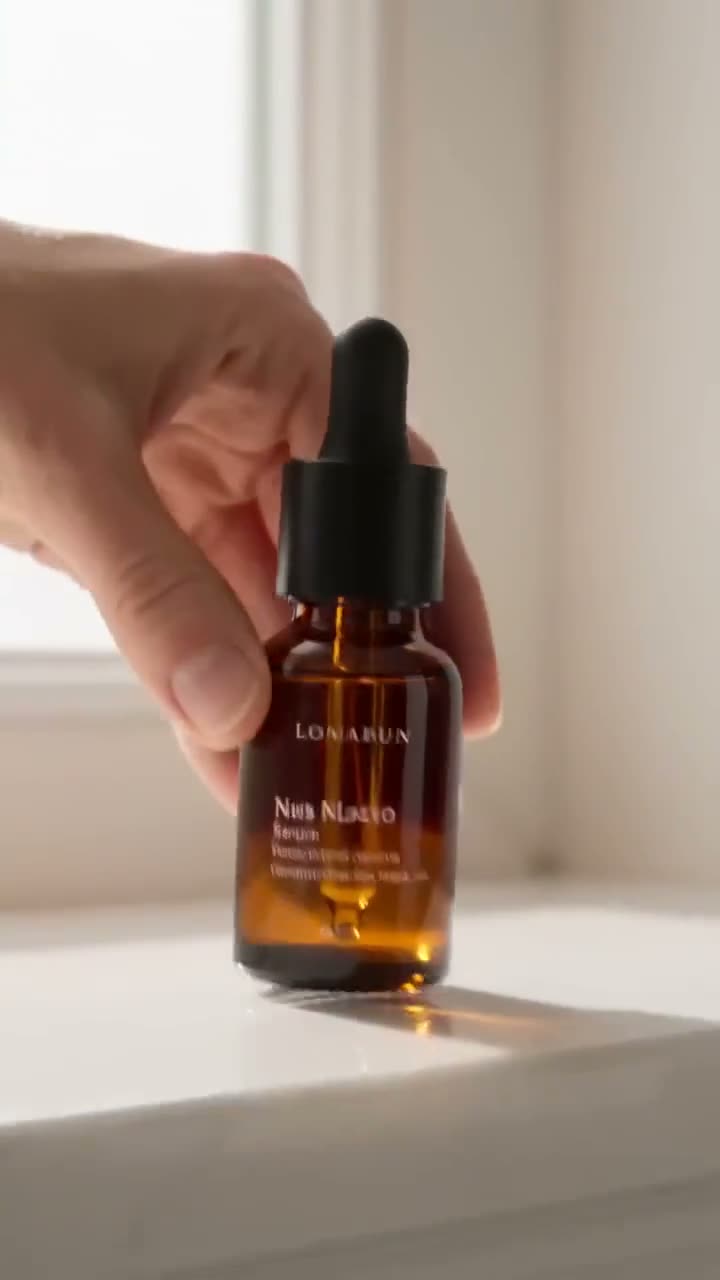
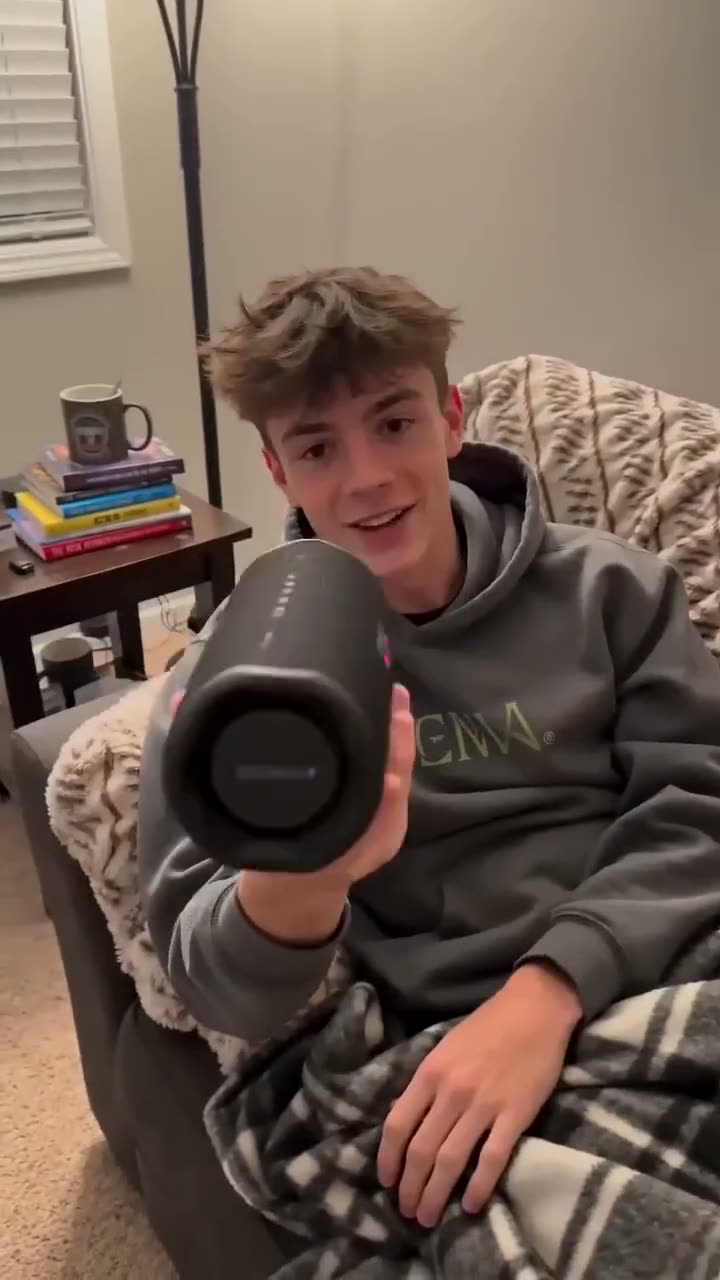
There is no one model that wins every product ad; the right one depends on the job. On Kinoseed: Seedance 1.5 Pro for many packshot clips (25 credits for 5 seconds at 720p, $0.50), Kling 4.0 Flash for drafts (90), Kling 3.0 when the product has to move like a real object (110), Seedance 2.0 for the hero clip (280), Seedance 2.0 Mini for a product with a model or several angles (150), and Kling 4.0 for a 15 second ad in one take (650 credits at 1080p). To make one, upload the product photo in Image to Video, write one move, pick the model and press Generate Video.
Below: the picks side by side with their prices, the steps, and the ready-made product tools that choose the model for you.
Which model for which product ad
| Job | Model | Why | Clip | Credits | On Basic |
|---|---|---|---|---|---|
| Many packshot clips for product pages | Seedance 1.5 Pro | The default of the product tools; 5, 8 or 10 second clips up to 1080p | 5s at 720p | 25 | $0.50 |
| Drafting the idea before the final run | Kling 4.0 Flash | Kling 4.0 at 720p for less; clips up to 15 seconds, sound included | 5s at 720p | 90 | $1.80 |
| Liquid, fabric, things that must move like real objects | Kling 3.0 | Start and end frame, 5 or 10 seconds; the model our product guide suggests for physical motion | 5s | 110 | $2.20 |
| The hero clip of a launch | Seedance 2.0 | The "Best quality" switch of the product tools; up to 4K, sound included | 5s at 720p | 280 | $5.60 |
| Product plus a model, or several angles in one clip | Seedance 2.0 Mini | Takes up to 9 reference images; the product tools use it when you add more than one | 5s at 720p | 150 | $3.00 |
| A 15 second ad in one take | Kling 4.0 | 5, 10 or 15 second clips at 720p or 1080p, start and end frame, sound included | 5s at 720p | 150 | $3.00 |
| A big-screen version with a voice or sound | Google Veo 3.1 | Up to 4K; Sound is a switch, so you pay for it only when on | 8s at 1080p, silent | 290 | $5.80 |
Clips from a product photo, read from the same quote the Generate Video button uses. Dollars at the $10 Basic plan (500 credits a month), $0.02 a credit.
What you need
- One clean product photo: the whole product in frame, sharp label, simple background.
- Where the ad runs: 9:16 for Reels, TikTok and Shorts, 1:1 for feeds and product pages, 16:9 for YouTube and websites.
- The one moment the ad shows: a pour, a spin, an unboxing, the product in use.
- A Kinoseed account with credits. Video starts with a plan: the $10 Basic plan (500 credits a month) is $10 a month and covers 20 five second Seedance 1.5 Pro clips at 720p.
Step by step
- 1
Open Image to Video and upload Your image
The product photo becomes the first frame, so the label, shape and colours carry into the clip. Crop it to the shape of the placement first; the clip follows the picture.
- 2
Write one move in the Prompt
Describe motion, not the product: a slow orbit, a push in on the label, liquid pouring, a hand lifting it into the light. Add "the label stays sharp and unchanged" to protect the text.
- 3
Pick the Model for the job
Draft on Kling 4.0 Flash or Seedance 1.5 Pro at 480p (12 credits for 5 seconds), then move the prompt that works to the model in the table that fits the job.
- 4
Read the price on the button, then press Generate Video
Generate Video shows the credits for exactly what is set. The clip lands in the feed as an MP4 with no watermark. A failed run is refunded automatically.
Prompts to copy
Paste any of these into Image to Video as a starting point, then change the details to fit your photo.
Packshot spin
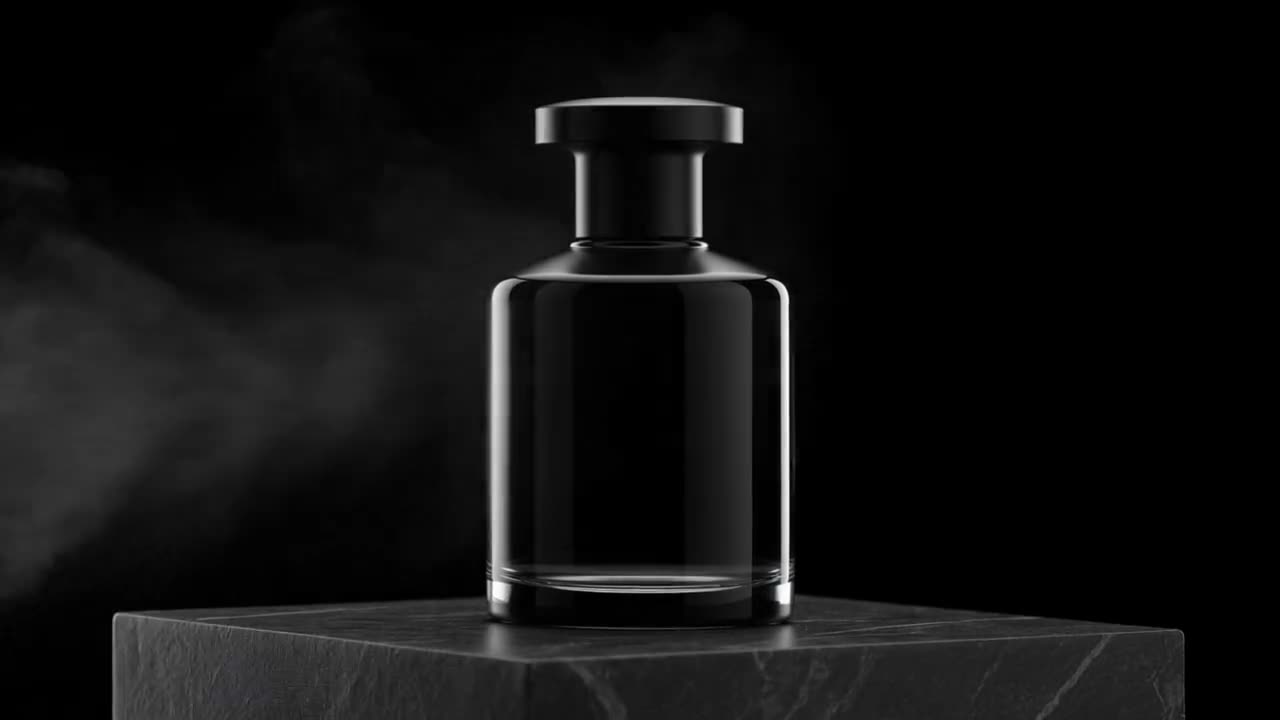
The bottle turns slowly on its base as a soft highlight sweeps across the glass. Camera still, clean white background. The label stays sharp and unchanged.
Real-object motion
Cold coffee pours into the glass over ice, the ice shifts and clinks, condensation runs down the side, slow push in, warm morning light.
Reels hook
The sneaker drops onto a concrete floor and bounces once, dust kicking up, the camera tilting down to follow it. Vertical framing.
Let a product tool pick the model
The product tools take one photo and do the directing: Product Placement sets the product in a scene you describe, Bullet Time Scene orbits it as a scene builds around it, Billboard puts it on a city billboard. They run Seedance 1.5 Pro (25 credits for 5 seconds at 720p), with a "Best quality" switch to Seedance 2.0 (280).
Have a product page? URL to Ad reads the link and writes the ad. For a person holding and talking about the product, see AI UGC video ads.
Sound, length and resolution
Kling 4.0, Kling 4.0 Flash, Seedance 2.0 and Seedance 2.0 Mini make sound with the picture at no extra charge. On Google Veo 3.1 Sound is a switch: 8 seconds at 1080p is 290 credits silent and 600 with Sound. Most feed ads play muted first, so a silent clip with music added later is often enough.
Most models stop at 10 seconds; Kling 4.0 and Kling 4.0 Flash run to 15. Longer ads are several clips joined. 720p is enough for phone feeds; pay for 1080p or 4K for the version that runs on a big screen.
Compare two models before you choose
Side-by-side pages with specs and prices: Kling 4.0 vs Seedance 2.5, Kling 4.0 vs Kling 4.0 Flash, Kling 4.0 vs Kling 3.0. Every model's price per second is in how much an AI video costs.
Unused credits stay on your account: each month's credits are added to what you have left, so they roll over month to month, and they stay after you cancel. Billed monthly, no yearly prepay needed, cancel anytime.
More examples
Tips for better results
- One moment per clip. An ad with three actions in one prompt gives a muddled clip; join clips instead.
- Make a 9:16 and a 1:1 version of the same move: Reels and the product page want different shapes.
- Check the label and the product's shape in the finished clip before it runs; the ad should show the product as it is.
- Draft on Kling 4.0 Flash or Seedance 1.5 Pro, spend on Seedance 2.0 or Kling 4.0 for the keeper.
Frequently asked questions
What is the best AI video generator for product ads?
It depends on the job. On Kinoseed: Seedance 1.5 Pro for many packshot clips, Kling 3.0 for real-object motion, Seedance 2.0 for a hero clip, Seedance 2.0 Mini for several reference images, Kling 4.0 for a 15 second ad. The table above has the price of each.
How much does an AI product ad cost?
Video starts with a plan. A 5 second clip from a product photo is 25 credits on Seedance 1.5 Pro at 720p and 150 on Kling 4.0 at 720p. On the $10 Basic plan (500 credits a month) a credit is $0.02.
Can I make a product ad from one photo?
Yes. Upload it in Image to Video as Your image, describe one move and press Generate Video. The photo becomes the first frame, so the product keeps its look.
Can I use the clips in paid ads?
The clips download as MP4 files with no watermark. Check each ad platform's own rules for AI-made content and length limits before you run them.
Try it on your own shot.
Image to Video is open to explore. The price of a run is on the button before you spend anything.