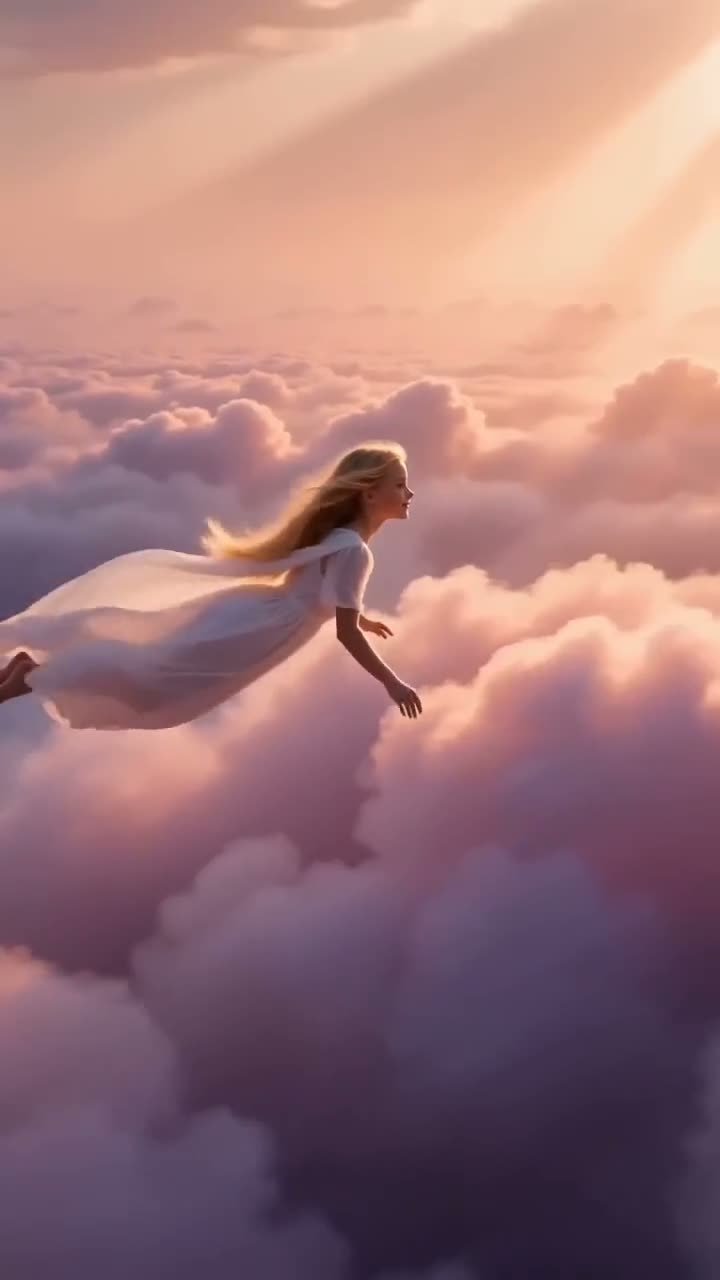
Pick 9:16 for Reels, TikTok, Shorts and Stories, 16:9 for YouTube, websites and presentations, and 1:1 for feed posts. In the Video studio, click the shape button you want (9:16, 16:9 or 1:1) before you write the Prompt, then press Generate Video. The shape does not change the price: a 5 second clip on Seedance 1.5 Pro at 720p costs 25 credits in any of them. If you post in two places, make the clip twice, once in each shape, rather than cropping one.
Cropping a wide clip to tall throws away two thirds of the picture and often the subject's hands or face. This guide covers which shape suits which place, which models make which shapes, and how a start picture decides the shape for you.
Shapes each studio model makes
| Model | From text | From a start picture |
|---|---|---|
| Seedance 2.0 | 16:9, 9:16 or 1:1 | 16:9, 9:16 or 1:1; crop the picture to match |
| Kling 3.0 | 16:9, 9:16 or 1:1 | 16:9, 9:16 or 1:1; crop the picture to match |
| Google Veo 3.1 | 16:9 or 9:16 | 16:9 or 9:16; crop the picture to match |
| Google Veo 3.1 Lite | Not available | 16:9 or 9:16; crop the picture to match |
| Grok Imagine | 16:9, 9:16 or 1:1 | 16:9, 9:16 or 1:1; crop the picture to match |
| Wan 3.0 | 16:9, 9:16 or 1:1 | 16:9, 9:16 or 1:1; crop the picture to match |
| MiniMax H3 | 16:9, 9:16 or 1:1 | 16:9, 9:16 or 1:1; crop the picture to match |
| Seedance 2.5 | 16:9, 9:16 or 1:1 | 16:9, 9:16 or 1:1; crop the picture to match |
| Wan 2.7 | Not available | The picture's shape |
| MiniMax Hailuo 2.3 | Not available | The picture's shape |
| Seedance 1.5 Pro | 16:9, 9:16 or 1:1 | 16:9, 9:16 or 1:1; crop the picture to match |
| Seedance 2.0 Mini | 16:9, 9:16 or 1:1 | 16:9, 9:16 or 1:1; crop the picture to match |
| Kling 3.0 Standard | 16:9, 9:16 or 1:1 | 16:9, 9:16 or 1:1; crop the picture to match |
| Seedance 2.0 Fast | 16:9, 9:16 or 1:1 | 16:9, 9:16 or 1:1; crop the picture to match |
| Kling 2.6 Pro | 16:9, 9:16 or 1:1 | 16:9, 9:16 or 1:1; crop the picture to match |
| MiniMax Hailuo 2.3 Fast | Not available | The picture's shape |
| Google Veo 3.1 Fast | 16:9 or 9:16 | 16:9 or 9:16; crop the picture to match |
Read from the same model list the Video studio shows. The shape never changes the price on the Generate Video button.
What you need
- Where the clip will be posted. That decides the shape.
- Optional: a picture to start from, cropped to that shape. If it shows a real person, use your own photo or one you have that person's permission to use.
- A Kinoseed account and some credits. Video starts with a plan; the $10 Basic plan (500 credits a month) covers 20 five second Seedance 1.5 Pro clips at 720p.
Step by step
- 1
Decide where the clip goes
Phone first and full screen (Reels, TikTok, Shorts, Stories): 9:16. Watched on a screen held sideways (YouTube, a website header, a slide, a TV): 16:9. A post in a square feed or a carousel: 1:1.
- 2
Open the Video studio and pick a Model that makes that shape
Most models make all three from text. Google Veo 3.1 and Google Veo 3.1 Fast make 9:16 and 16:9 only, with no square. Google Veo 3.1 Lite, Wan 2.7, MiniMax Hailuo 2.3 and MiniMax Hailuo 2.3 Fast need a start picture, and Wan 2.7, MiniMax Hailuo 2.3 and MiniMax Hailuo 2.3 Fast take the picture's shape whatever button is selected.
- 3
Click the shape button
The shape buttons sit above Resolution; hover one to read its ratio. Click it before you write, so you picture the shot in that frame.
- 4
Write the Prompt for the frame
Tall: the subject in the middle and close, movement up and down. Wide: room for the scene, movement left to right, a subject placed off center. Square: one subject, centered, nothing important near the edges.
- 5
Press Generate Video, and make the other shape if you need it
The price is on the button. For a second platform, click the other shape and generate again with the same Prompt; it costs the same as the first. A failed run is refunded automatically.
Prompts to copy
Paste any of these into Video studio as a starting point, then change the details to fit your photo.
9:16, tall
A dancer in a white shirt jumps straight up toward the camera against a pink sky, arms raised. Low angle, the camera tilts up with her.
16:9, wide
A lone cyclist rides left to right along a coastal road at sunset, the sea filling the frame behind him. Side tracking shot, wide lens.
1:1, square
A single glazed donut spins slowly on a pastel plate in the center of the frame, crumbs falling. Top-down, soft studio light.
A start picture decides the shape
When you add a Start frame, crop it to the shape first. Wan 2.7, MiniMax Hailuo 2.3 and MiniMax Hailuo 2.3 Fast follow the picture's shape whatever shape button is selected. With the others, a picture that does not match the button is handled differently by each model: some keep the picture's shape, some fit it to the button. A picture cropped to the shape gives the same result on all of them. Google Veo 3.1 has no 1:1 at all.
One clip for every platform?
Not well. A 16:9 clip cropped to 9:16 keeps only the middle third; a 9:16 clip placed in a 16:9 frame gets black bars or a blurred fill. Since the shape costs nothing extra, making one clip per shape is the clean way. For a full vertical walkthrough, see how to make a vertical AI video for Reels or TikTok.
More examples
Tips for better results
- Pick the shape first and the prompt second; a wide idea squeezed into a tall frame is the most common bad vertical clip.
- Keep text and faces away from the bottom of a 9:16 clip, where apps put captions and buttons.
- For 16:9, place the subject a little off center so there is room for the scene to move.
- Crop a start picture to the exact shape before uploading it.
- Making the same shot in two shapes costs two clips; draft in one, then make the second only for the keeper.
Frequently asked questions
Should an AI video be 9:16 or 16:9?
9:16 if it will be watched on a phone in Reels, TikTok, Shorts or Stories; 16:9 for YouTube, websites and slides. Pick it with the shape buttons before you generate.
Does the aspect ratio change the price?
No. A clip costs the same in every shape; the price depends on the model, the Duration, the Resolution and Sound. A 5 second Seedance 1.5 Pro clip at 720p is 25 credits.
Can I change the shape of a clip after it is made?
Only by cropping it in an editor, which cuts part of the picture. Generating it again in the other shape gives a clip framed for it.
Which models make square 1:1 video?
All text-to-video models in the studio except Google Veo 3.1 and Google Veo 3.1 Fast.
Try it on your own shot.
Video studio is open to explore. The price of a run is on the button before you spend anything.