Short answer: in this workflow ChatGPT writes the prompt and a video model makes the video. ChatGPT is a chat assistant; on Kinoseed the clip is rendered by a video model such as Kling, Seedance or Veo. To turn a photo into a video, open Image to Video, upload the photo as Your image, write one move in the Prompt (ChatGPT can draft it), pick a Model and press Generate Video. A 5 second clip from a photo costs 12 credits on Seedance 1.5 Pro at 480p ($0.24), 110 on Kling 3.0 ($2.20) and 150 on Kling 4.0 at 720p ($3.00), in dollars at the $10 Basic plan (500 credits a month). The exact price is on the button before you press it.
Below: how to use ChatGPT for the part it is good at, the steps in the studio, which video model to pick for what, and a price table for every model that animates a photo.
A 5 second clip from a photo, every model
| Model | Also from text | End frame | Lengths | Top resolution | Sound | Credits | On Basic |
|---|---|---|---|---|---|---|---|
| Seedance 1.5 Pro | Yes | Yes | 5, 8 or 10s | 1080p | Optional, extra | 12 | $0.24 |
| Google Veo 3.1 Lite | No, photo only | No | 4, 6 or 8s | 1080p | Optional, extra | 25 (4s, its shortest) | $0.50 |
| MiniMax Hailuo 2.3 Fast | No, photo only | No | 6 or 10s | Set by the model | No | 40 (6s, its shortest) | $0.80 |
| MiniMax H3 | Yes | Yes | 5 or 10s | 2K | No | 50 | $1.00 |
| Wan 3.0 | Yes | Yes | 5 or 10s | 1080p | No | 50 | $1.00 |
| Grok Imagine | Yes | No | 6s | 720p | No | 60 (6s, its shortest) | $1.20 |
| Kling 2.6 Pro | Yes | Yes | 5 or 10s | Set by the model | Optional, extra | 65 | $1.30 |
| Seedance 2.0 Mini | Yes | Yes | 5, 8 or 10s | 720p | Included | 70 | $1.40 |
| Google Veo 3.1 Fast | Yes | No | 4, 6 or 8s | 4K | Optional, extra | 75 (4s, its shortest) | $1.50 |
| Kling 3.0 Standard | Yes | Yes | 5 or 10s | Set by the model | Optional, extra | 80 | $1.60 |
| Kling 4.0 Flash | Yes | No | 5, 10 or 15s | 720p | Included | 90 | $1.80 |
| MiniMax Hailuo 2.3 | No, photo only | No | 6 or 10s | Set by the model | No | 90 (6s, its shortest) | $1.80 |
| Wan 2.7 | No, photo only | Yes | 5 or 10s | 1080p | No | 95 | $1.90 |
| Kling 3.0 | Yes | Yes | 5 or 10s | Set by the model | Optional, extra | 110 | $2.20 |
| Seedance 2.0 Fast | Yes | Yes | 5, 8 or 10s | 720p | Included | 110 | $2.20 |
| Seedance 2.0 | Yes | Yes | 5, 8 or 10s | 4K | Included | 130 | $2.60 |
| Google Veo 3.1 | Yes | No | 4, 6 or 8s | 4K | Optional, extra | 150 (4s, its shortest) | $3.00 |
| Kling 4.0 | Yes | Yes | 5, 10 or 15s | 1080p | Included | 150 | $3.00 |
| Seedance 2.5 | Yes | Yes | 4, 5, 8 or 10s | 1080p | Included | 210 | $4.20 |
Silent clips from a start image at each model's lowest resolution, read from the same quote the Generate Video button uses. Dollars at the $10 Basic plan (500 credits a month), $0.02 a credit. Higher resolutions, longer clips and Sound cost more.
What you need
- The photo, as PNG, JPG or WEBP, cropped to the shape you want the video in.
- One sentence about the motion: what moves, how the camera moves. ChatGPT can write it if you describe the photo.
- If the photo shows a real person, your own photo or one that person agreed to have animated.
- A Kinoseed account with credits. Video starts with a plan: the $10 Basic plan (500 credits a month) is $10 a month and covers 41 five second Seedance 1.5 Pro clips at 480p.
Step by step
- 1
Ask ChatGPT for a motion prompt (optional)
Describe the photo and the feel you want, and ask for one sentence that names the subject, the one thing that moves, the camera move and the light. Ask it to describe motion, not the picture: the video model already sees the picture.
- 2
Open Image to Video and upload Your image
The photo becomes the first frame, so faces, products and colours carry into the clip. The clip takes its framing from the photo, so crop it first: 9:16 for Reels, Shorts and TikTok, 1:1 for a feed or a product page, 16:9 for YouTube.
- 3
Paste the prompt and pick a Model
Seedance 1.5 Pro is selected and is among the lowest prices. Click the Model card to switch: the table above shows what each one takes and costs. Models with an end frame show a second slot, so you can fix the last shot too.
- 4
Set Resolution and Duration, then press Generate Video
Draft at the lowest Resolution and shortest Duration, then run the keeper bigger. The price on the button moves with each choice. The clip lands in the feed as an MP4 with no watermark, and a failed run is refunded automatically.
Prompts to copy
Paste any of these into Image to Video as a starting point, then change the details to fit your photo.
Ask ChatGPT
Here is a photo of [describe it]. Write one sentence for an AI video model: what moves, how the camera moves, the light. Describe only the motion, under 40 words.
Portrait
She turns her head toward the window and smiles, hair moving slightly in a breeze, slow push in, soft morning light.
Product
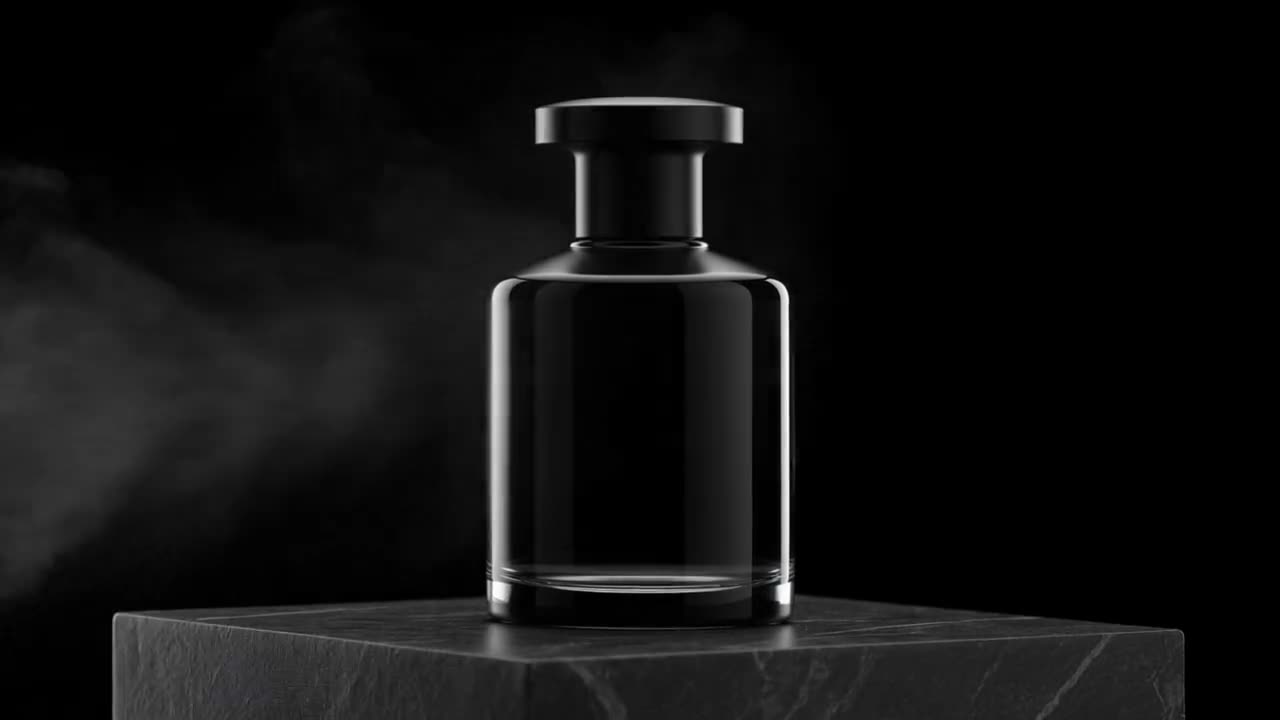
The bottle turns slowly on its base as a highlight sweeps across the glass, camera still, the label stays sharp and unchanged.
Which video model for what
For drafts and many tries: Seedance 1.5 Pro has the lowest price per second in the table, 12 credits for 5 seconds at 480p, and it is the default; at 720p it is 25.
For a clip that starts and ends on shots you choose: every model in the table takes an end frame as well as the photo except Google Veo 3.1 Lite, MiniMax Hailuo 2.3 Fast, Grok Imagine, Google Veo 3.1 Fast, Kling 4.0 Flash, MiniMax Hailuo 2.3 and Google Veo 3.1.
For longer clips in one take: Kling 4.0 Flash and Kling 4.0 run up to 15 seconds. For the sharpest picture: Google Veo 3.1 Fast, Seedance 2.0 and Google Veo 3.1 go up to 4K. For sound in the price: Seedance 2.0 Mini, Kling 4.0 Flash, Seedance 2.0 Fast, Seedance 2.0, Kling 4.0 and Seedance 2.5 make sound with the picture at no extra charge.
For fast, energetic motion such as dance and sport, MiniMax Hailuo 2.3 is strong at it; it works from a photo only. To compare two models on one page, see Kling 4.0 vs Kling 3.0 or Kling 4.0 vs Seedance 2.5.
What ChatGPT is good for here
Writing and fixing prompts. Paste a prompt that gave a stiff or odd clip and ask ChatGPT to make the motion simpler and more specific: one camera move, one action. Ask for three variants and run the cheapest model on each before you spend more on the one that works.
If your ChatGPT plan includes OpenAI's own video tools, OpenAI's pages say what they offer. This guide covers the video models you can run on Kinoseed, each with its price shown before you run it.
What it costs
The $10 Basic plan (500 credits a month) buys 41 five second Seedance 1.5 Pro clips at 480p, 4 on Kling 3.0 or 3 on Kling 4.0 at 720p. Every model's price per second is in how much an AI video costs.
Unused credits stay on your account: each month's credits are added to what you have left, so they roll over month to month, and they stay after you cancel. Billed monthly, no yearly prepay needed, cancel anytime.
More examples
Tips for better results
- One move per clip. A prompt with three actions gives a muddled one.
- Describe motion, not the photo: the model already sees what is in it.
- Crop the photo to the final shape before uploading; the clip follows the picture.
- Try the prompt on Seedance 1.5 Pro or Seedance 1.5 Pro first, then run the keeper on the model you want to post.
Frequently asked questions
Can ChatGPT turn a photo into a video?
In this workflow ChatGPT writes the prompt and a video model makes the video. Upload the photo to Image to Video on Kinoseed, paste the prompt, pick Kling, Seedance, Veo or another model and press Generate Video.
Which AI turns a photo into a video?
Video models that take a start image: on Kinoseed that is 19 of them, including Kling 4.0, Kling 3.0, Seedance, Veo 3.1, Wan and MiniMax. The table above shows what each takes and what a 5 second clip costs.
How much does it cost to turn a photo into a video?
12 credits for 5 seconds on Seedance 1.5 Pro at 480p, 110 on Kling 3.0, 150 on Kling 4.0 at 720p. On the $10 Basic plan (500 credits a month) a credit is $0.02. Video starts with a plan.
Is there a watermark?
No. The clip downloads as an MP4 with no watermark.
Do I pay for a video that fails?
No. A failed run is refunded automatically.
Try it on your own shot.
Image to Video is open to explore. The price of a run is on the button before you spend anything.