Moodboard
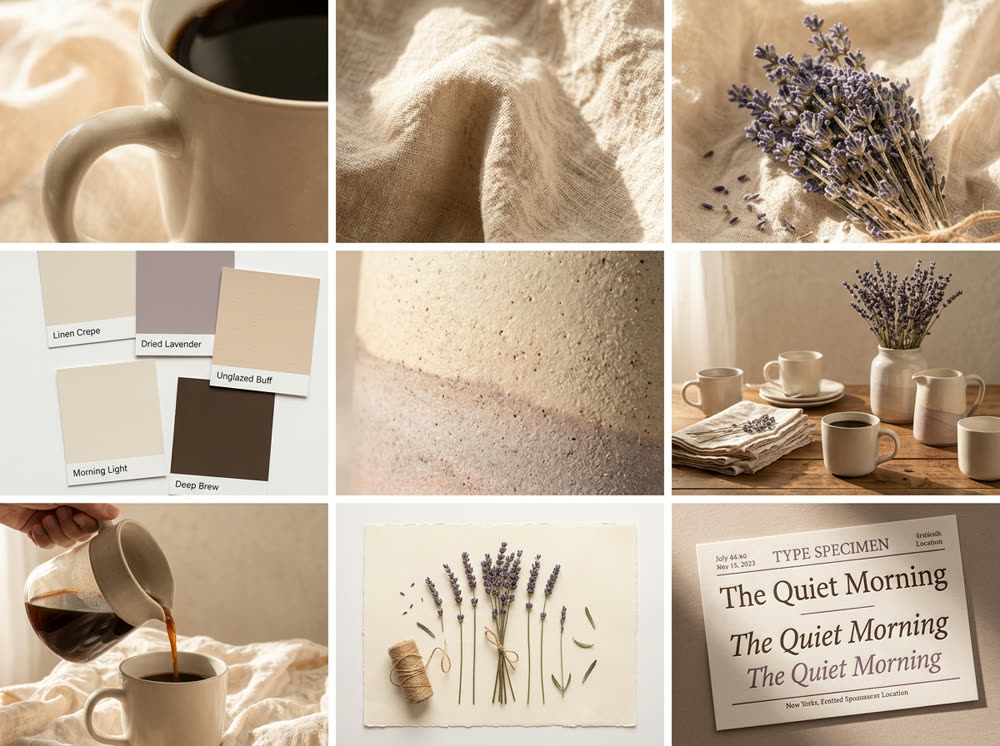
Drop in 2–4 references. Kinoseed blends their palette, texture, and lighting into a single focused moodboard frame.

How to compose a moodboard
- 1
Drop in 2–4 references
Anything you want the frame to inherit: a palette, a texture, a quality of light. They are read together, not collaged.
- 2
Say what to keep
One line naming what the references have in common is usually enough. The direction decides which of them wins where they disagree.
- 3
Pick a shape and compose
Aspect sets the frame. What comes back is one image that reads as a single scene rather than a grid of your inputs.
Explore more apps
See all





Moodboard: questions and answers
›How do I make a moodboard with AI?
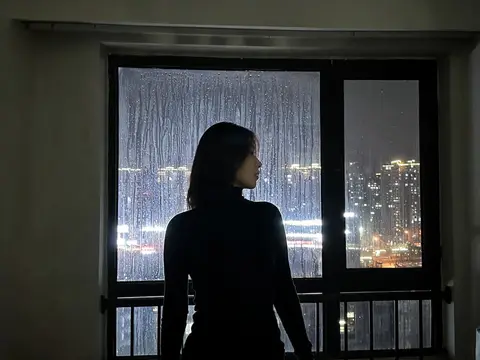
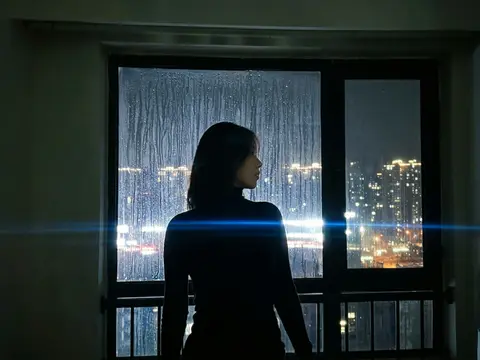
Upload 2 to 4 reference images and write a one-line direction. Seedream 5.0 Lite combines them into one image that captures their shared palette, texture, lighting and composition.
›How many reference images can I use?
At least 2 and up to 4. You also choose the aspect ratio of the result.
›What do I get back?
One composite image per run, which you can open full size and download. It also lands in your files for use in other tools.