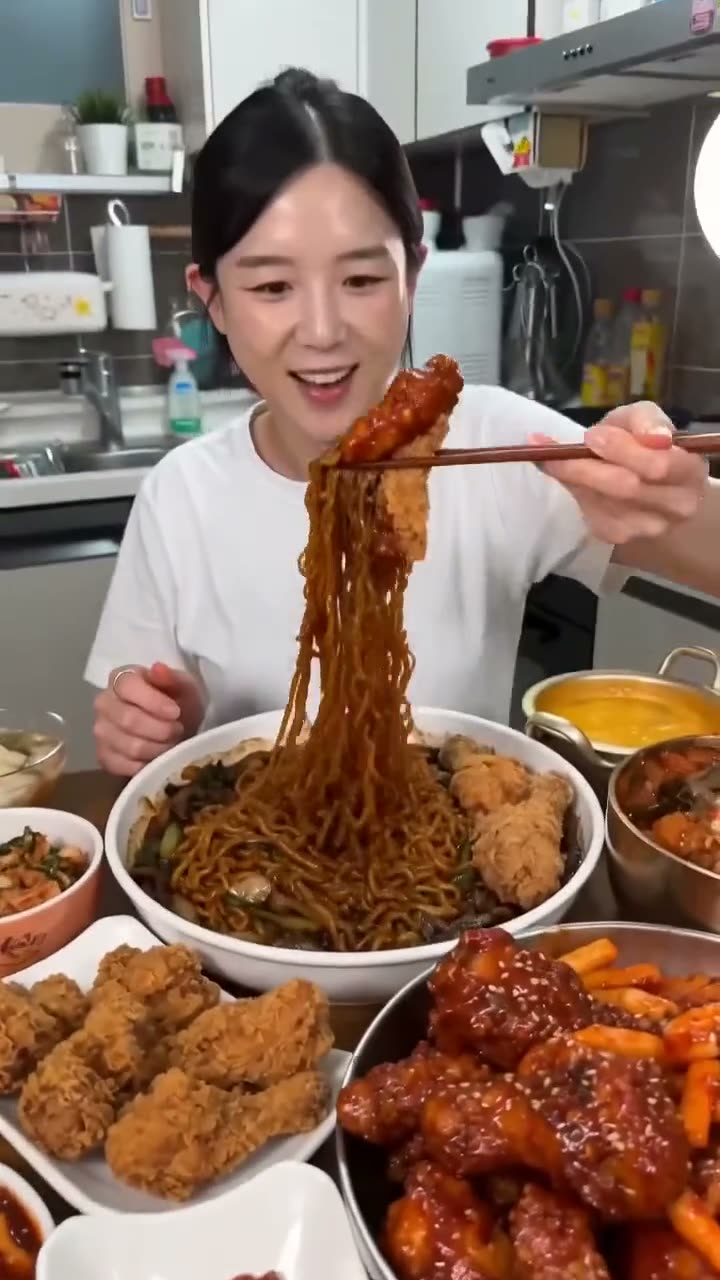
If you are looking for a Pika alternative, you probably like quick, playful short videos you can post the same day. Kinoseed covers that with one-tap trend tools such as Plush Toy Video, Eating Show and Cloud Surf, plus a full video studio with Kling 3.0, Veo 3.1 and Seedance 2.0. Pika's strengths are its own models, such as Pika 2.5 and Pikaframes, and lower entry prices; Kinoseed's are many third-party models on one balance, and no watermark on any result.
Kinoseed is an independent product and is not affiliated with Pika. Pika facts below are from its public pricing page (plans and clip prices checked on 8 Nov 2026) and can change; check pika.art for current terms.
Pika vs Kinoseed at a glance
| Pika (pika.art/pricing) | Kinoseed | |
|---|---|---|
| Own models | Yes, including Pika 2.5 and Pikaframes | No. Runs third-party models |
| Third-party models | Yes, a range of video, image and audio models | Video: Kling 3.0, Veo 3.1, Seedance 2.0 and more. Image: Nano Banana Pro, GPT Image 2 and more |
| Free plan | $0, no monthly credits (packs only), no commercial license | None; the $10 Basic plan (500 credits a month) is the cheapest way in |
| Paid plans | Starter $10 a month (600 credits), Creator $35 (2,600), Fancy from $95 (8,550+); $8, $28 and from $76 a month billed yearly | Basic is $10 a month for 500 credits, Starter $20 for 1,200, Creator $100 for 7,000, Studio $200 for 15,000 |
| Credit packs | 60 credits for $1 on any plan; pack credits last 365 days, plan credits do not roll over | No, the $10 Basic plan (500 credits a month) is the smallest way to buy credits, cancel anytime |
| Price of a 5 second clip | A table per model: Pika 2.5 at 720p 20 credits, Wan 3.0 at 720p 33, Seedance 2.0 at 720p 80, Kling 4.0 at 1080p 118 | Shown on the Generate Video button before you run; every model is in what an AI video costs |
| Kling 4.0 | Yes | Not offered yet |
| Refunds | Its pricing page says payments are non-refundable | Failed runs are refunded in credits automatically |
| Watermark | Its pricing page says no watermark | None, on any plan |
| Audio generation | Yes, music, sound effects and speech models | Not yet. Video models can generate sound with the clip; lip sync is available |
Pika figures are from pika.art/pricing: plans, packs, refunds and clip credits checked on 8 Nov 2026, the other rows in October 2026. Kinoseed figures are read from its billing code.
What you need
- A photo of the subject you want to animate: a pet, a product, yourself.
- An idea of the format: a trend you have seen, or a short clip you would have made on Pika.
- A Kinoseed account and some credits. Generating starts with a plan; the $10 Basic plan (500 credits a month) covers image tools and a short clip from a photo on the lighter video models.
Step by step
- 1
Pick a trend tool or the studio
For a ready-made format, open Apps and choose one, such as Plush Toy Video. For your own idea, open the video studio.
- 2
Upload the photo and choose the options
Trend tools take one photo and a couple of preset choices. In the studio, add the photo as a start frame and describe the motion.
- 3
Check the price, then generate
The credit cost is on the button before you press it. From a photo, a 5 second Seedance 1.5 Pro clip at 720p is 25 credits and an 8 second Veo 3.1 Lite clip is 45; a 5 second Kling 3.0 clip is 110.
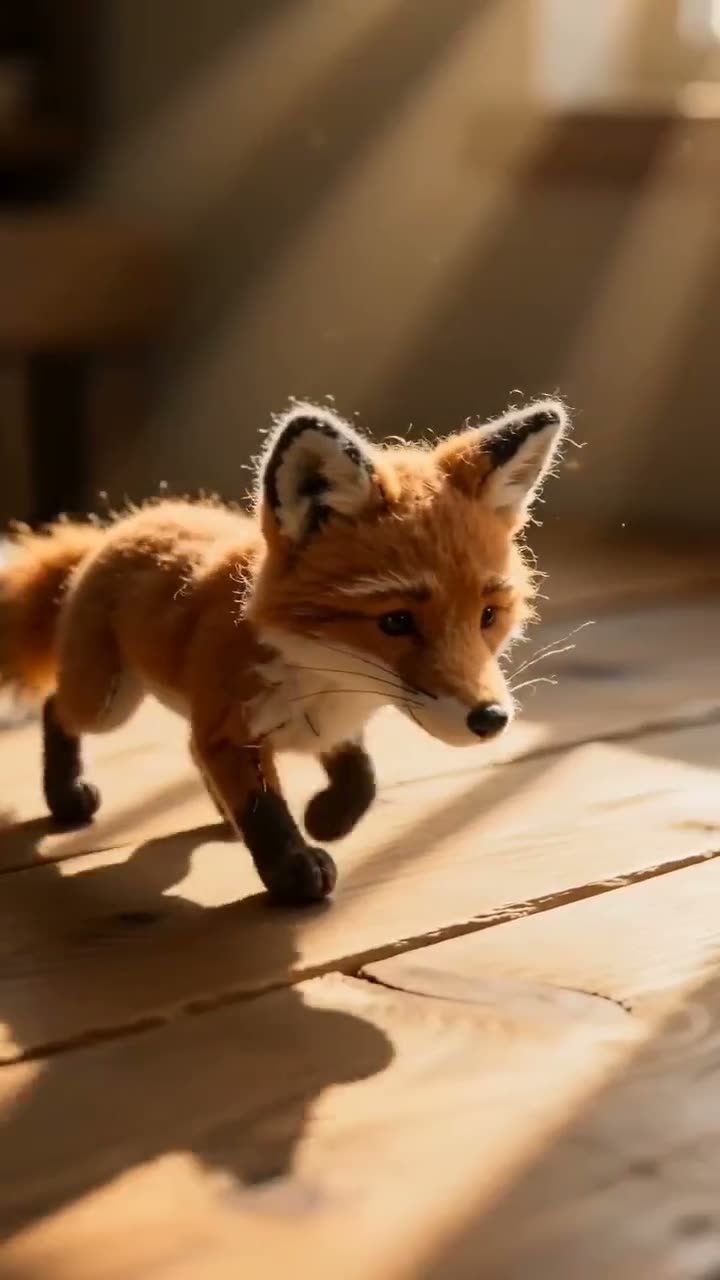
Plush Toy Video
Adorable plushie animation
Open in appSign in to generate. The price of a run is on the button.
What Pika does well
Pika makes its own models, including Pika 2.5 and Pikaframes, and offers audio models for music, sound effects and speech, which Kinoseed does not have yet. Its entry plan is cheaper than Kinoseed's. If you want Pika's own look or its audio tools, Pika is the better pick.
What Kinoseed offers instead
Over 50 tools, including trend formats, face and character swaps, motion control and ad makers, all on one credit balance. The main third-party video and image models in two studios, with the price of every run shown before you spend.
Every plan includes every tool and model. Results carry no watermark, failed runs are refunded automatically, and you can cancel anytime. A Nano Banana 2 image is 16 credits. See pricing.
Which to pick, by job
Pika's own models or audio generation: Pika. Trend formats from one photo, or many models in one place: Kinoseed. A dance or move copied from a clip: Kinoseed's Motion Control. For more trend ideas, read how to make an AI mukbang video.
More examples
Tips for better results
- Use a clear photo with one subject. Trend tools work best when the subject fills the frame.
- Draft on a light model from a photo, then move to Kling 3.0 or Veo 3.1 for the clip you will post.
- Compare cost per finished clip, not per credit. Credits buy different amounts on each platform.
- For a photo that talks, read how to make a photo talk with lip sync.
Frequently asked questions
Is Kinoseed affiliated with Pika?
No. Kinoseed is an independent product.
Does Kinoseed have Pika's models?
No. Pika 2.5 and Pikaframes are Pika's own. Kinoseed runs third-party models such as Kling 3.0, Veo 3.1 and Seedance 2.0.
What does it cost to start?
Generating starts with a plan. The cheapest way in is the $10 Basic plan (500 credits a month), and results carry no watermark.
Can Kinoseed generate music or sound effects?
Not as a separate tool yet. Several video models, such as Kling 3.0, Veo 3.1 and Seedance 2.0, can generate sound with the clip, and Lip Sync makes a photo speak to your audio.
Try it on your own shot.
Plush Toy Video is open to explore. The price of a run is on the button before you spend anything.